
Dial in Your Settings in Enscape
We’ll walk through lighting, exposure, and environment settings step by step, so you can build a repeatable rendering setup you can rely on from project to project.
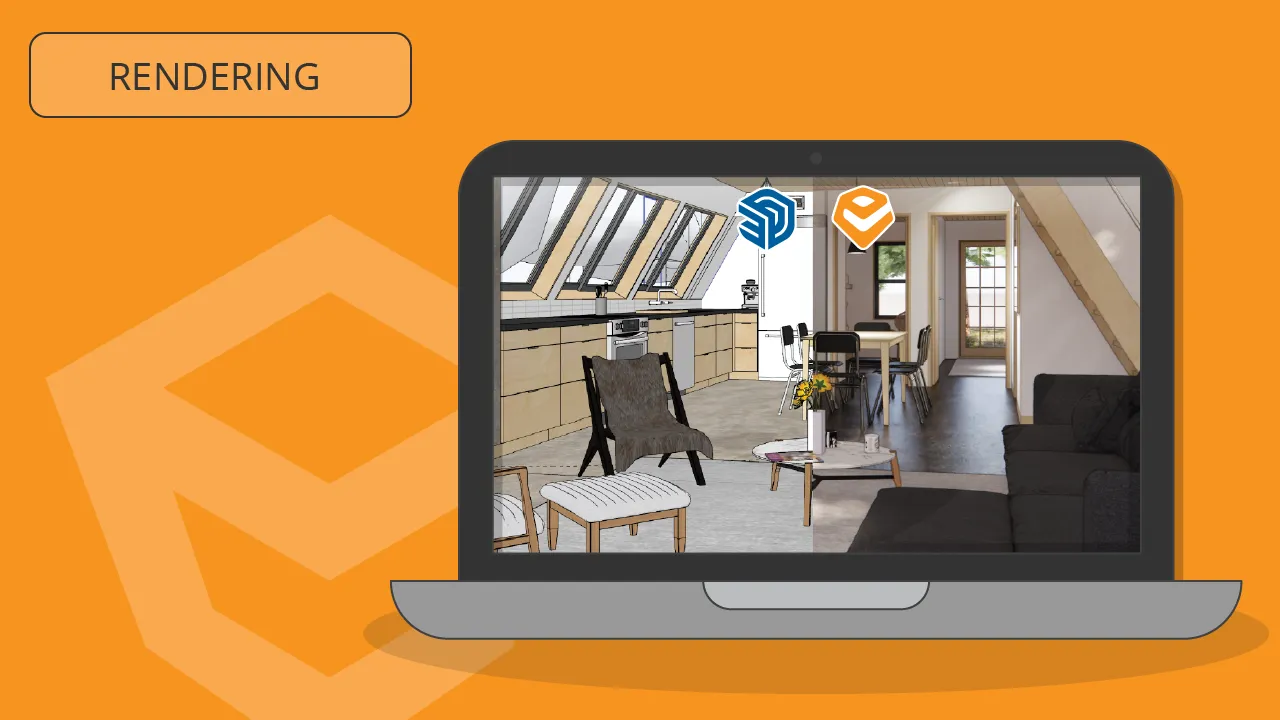
In this focused course, you’ll move beyond auto settings and learn how to control Enscape so your interior renders look clean, consistent, and professional.
What you’ll learn
-
Set up and navigate Enscape for SketchUp with confidence
-
Take manual control of exposure, lighting, and sky settings for predictable results
-
Use artificial lights (spots, spheres, and linear lights) to add depth and clarity to interiors
-
Apply HDRI skyboxes to improve realism and overall lighting balance
-
Create and save custom presets so your best settings are always ready to reuse
-
Batch render and export a set of consistent, high-quality images
Course overview
Module 1: Get Started with Enscape
Install Enscape, open it from SketchUp, and get comfortable with the interface and navigation so you can move around your scene smoothly.
Module 2: Move Beyond Auto Settings
Turn off auto exposure and learn how to control brightness, contrast, sun, and sky manually so your images look intentional instead of unpredictable.
Module 3: Shape the Lighting & Environment
Adjust sky and environment settings, add HDRI skyboxes, and fine-tune overall lighting so your scenes feel balanced and believable.
Module 4: Add Artificial Lighting for Interiors
Place spotlights, sphere lights, and linear lights to brighten dark areas, highlight key details, and add depth to shelves, walls, and architectural elements.
Module 5: Build a Repeatable Rendering Workflow
Create custom presets, set up batch rendering, and export multiple views so you can produce consistent, high-quality images quickly on every project.
Next step: Keep going with support, not just a single class
Dial in Your Settings in Enscape gives you a strong foundation: manual control over exposure and lighting, better use of sky and HDRI settings, and reusable presets for consistent renders. The next step is having a place to keep applying those skills across full projects.
That’s what the SketchUp Trainer Membership is for:
A Course Library and support space where you can plug these Enscape settings into full SketchUp workflows, refine tricky views, and get help when something doesn’t look quite right—through on-demand courses, live Project Clinics, and the Community Hub.
Explore Membership