
SketchUp’s intuitive interface makes 3D modeling accessible, but a smooth workflow depends on the right tools.
These are the extensions, hardware, and resources that have earned a permanent place in my workflow.

New! AI Enhance
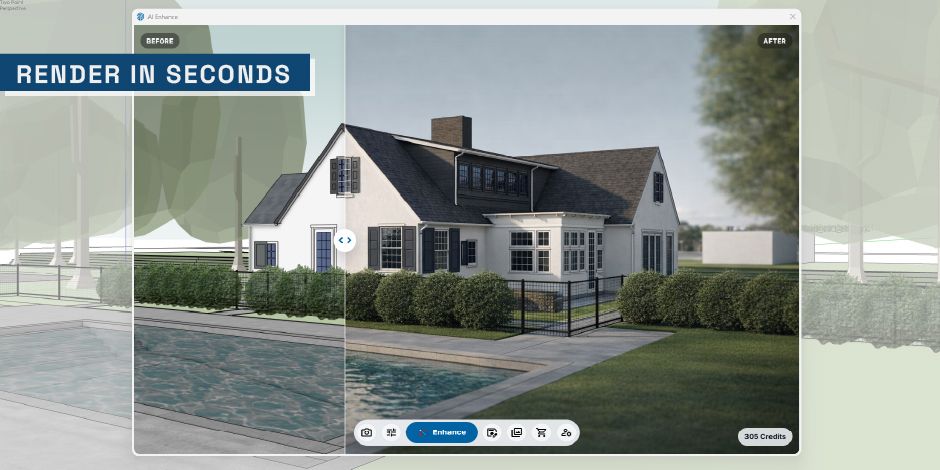
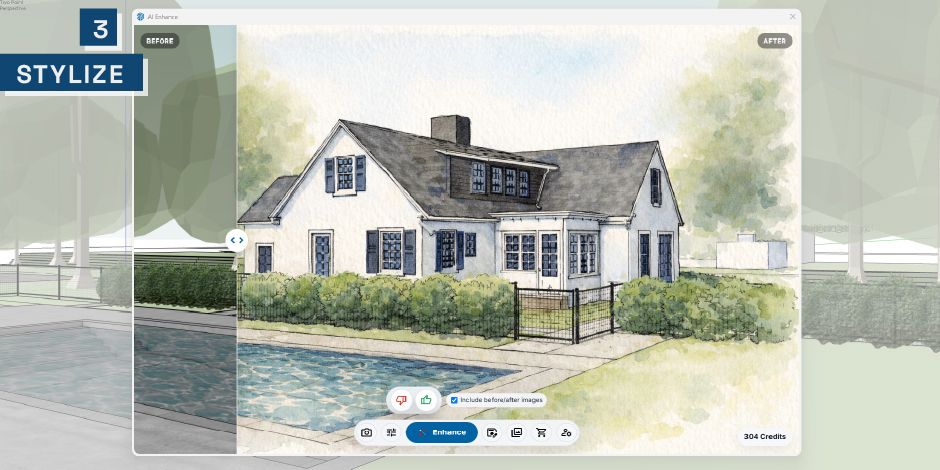
AI Enhance is a SketchUp extension I created to help designers turn simple models into stronger visuals in seconds.
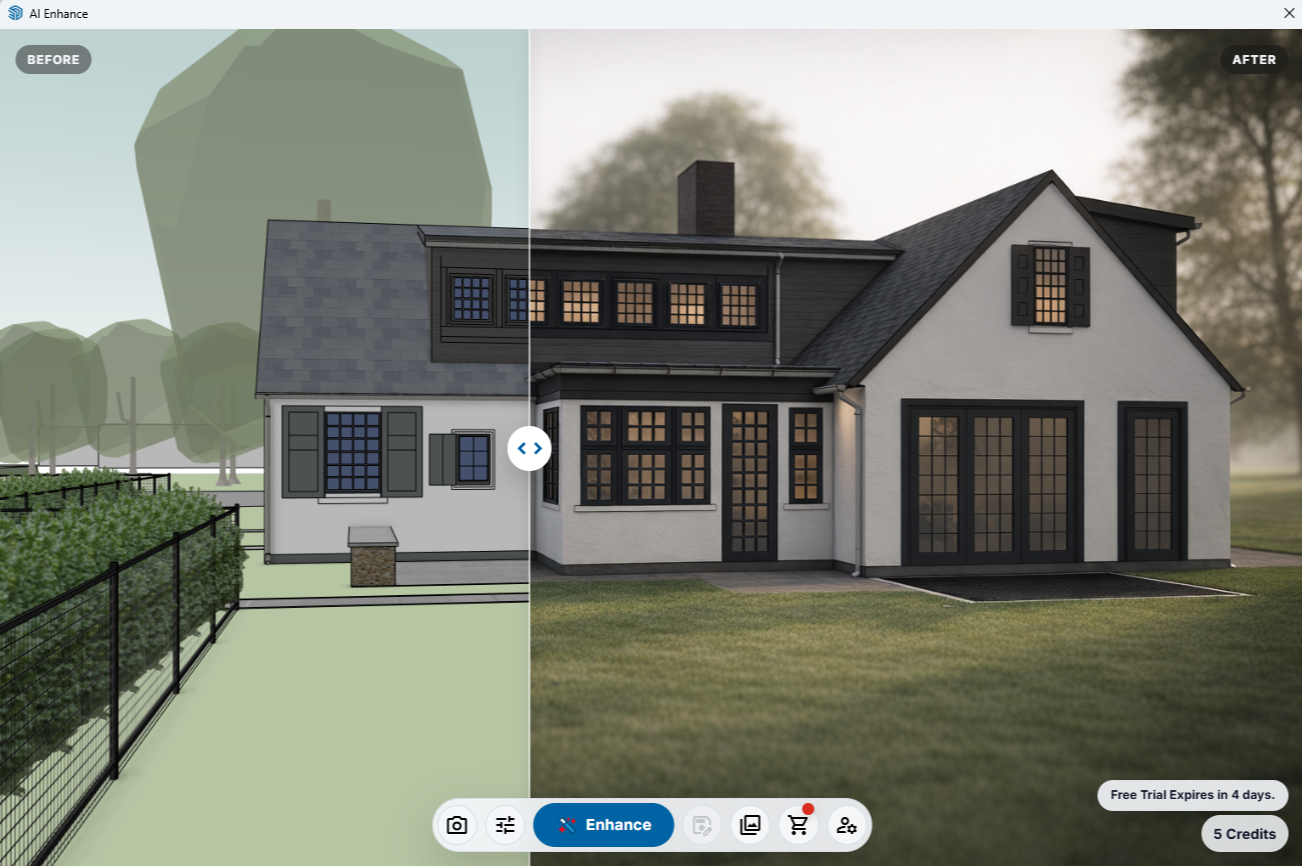




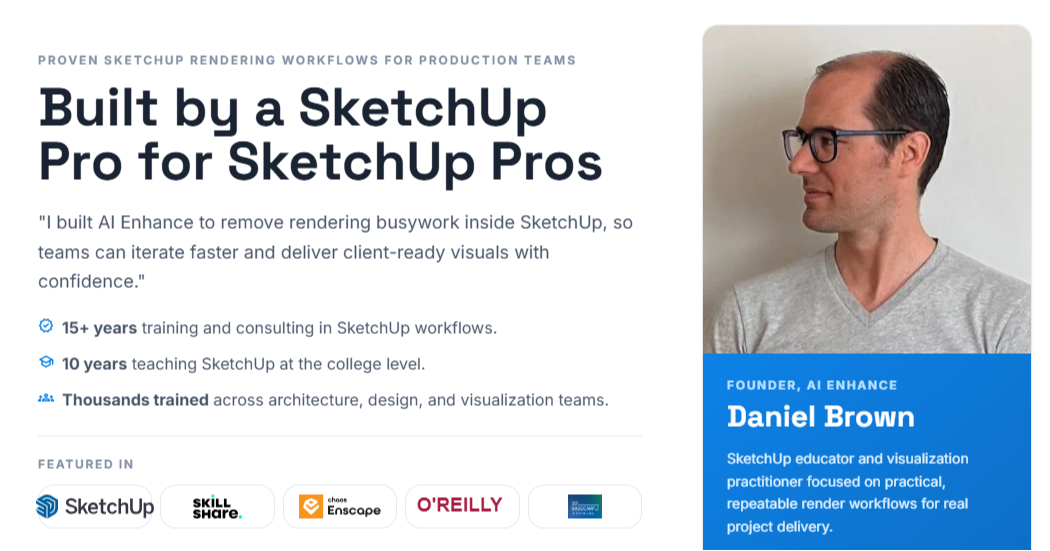
"After spending a lot of time testing AI rendering tools that looked impressive but kept drifting away from the model, I kept thinking: there has to be a better way....
So I built AI Enhance.
It works inside SketchUp and helps turn your model into a compelling visual in seconds — while still respecting the design you actually created.
That part matters to me.
I did not want another tool that made pretty images but lost the actual design along the way. I wanted something that could help designers move faster, communicate ideas more clearly, and still stay true to the work they had already done."
Daniel Brown, Founder, AI Enhance
Learn moreHow AI Enhance Works
A three-step flow built for speed. Stay in SketchUp, click once, deliver photoreal results.
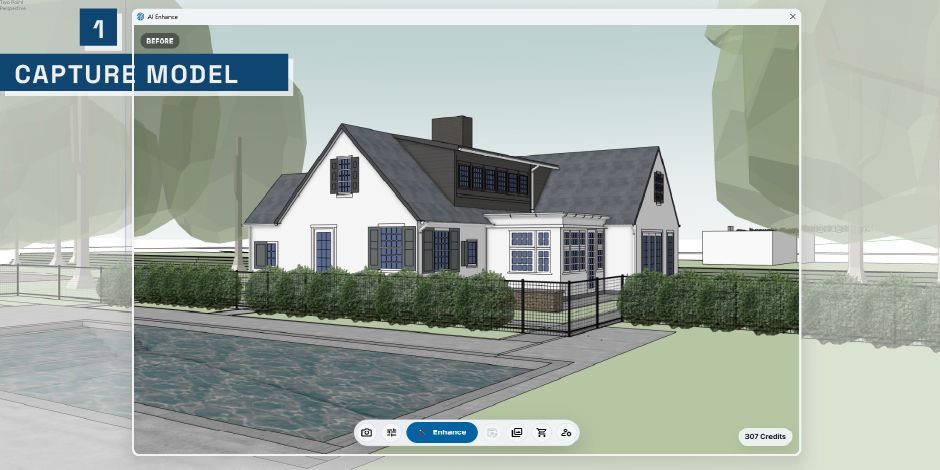
Capture Your View
Capture the current SketchUp scene and camera angle - no exports or UV tweaks required.
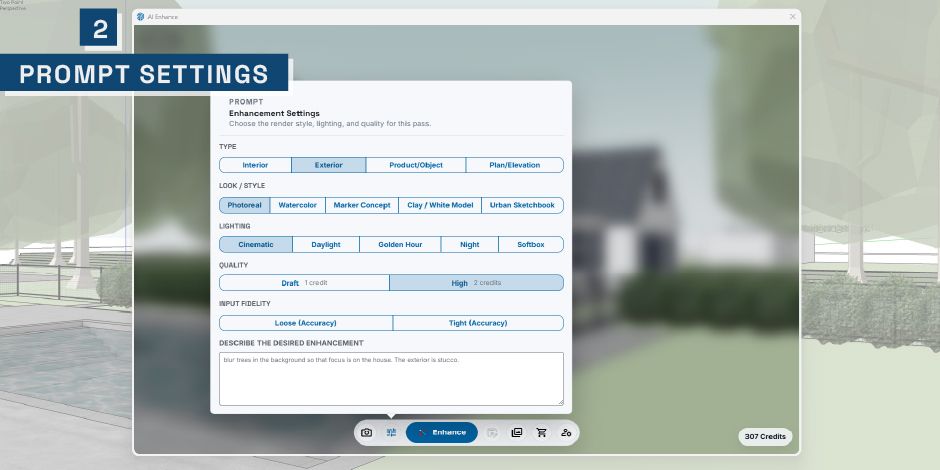
Set Enhance Style
Choose your enhancement settings and prompt style, then kick off the render.
Render & Compare
Render in seconds and view a side-by-side comparison to fine-tune or share instantly.

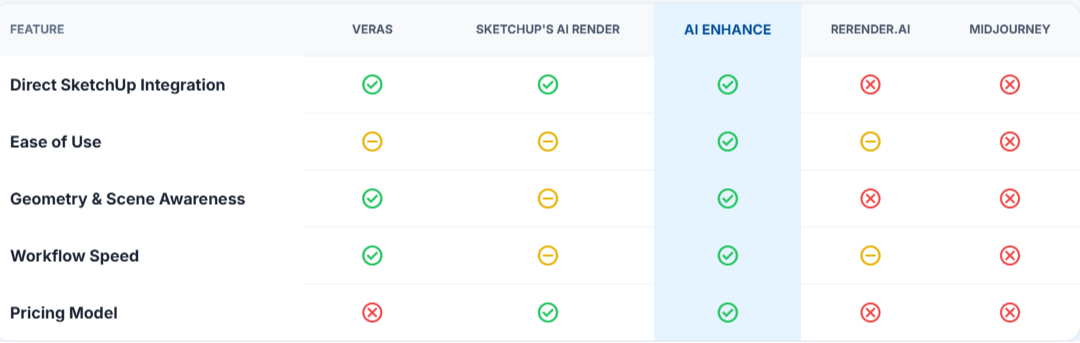
See how AI Enhance stacks up against other popular visualization tools for speed, ease of use, and quality of results.
3Dconnexion Products
I use 3Dconnexion tools every day because they make SketchUp modeling smoother and faster.
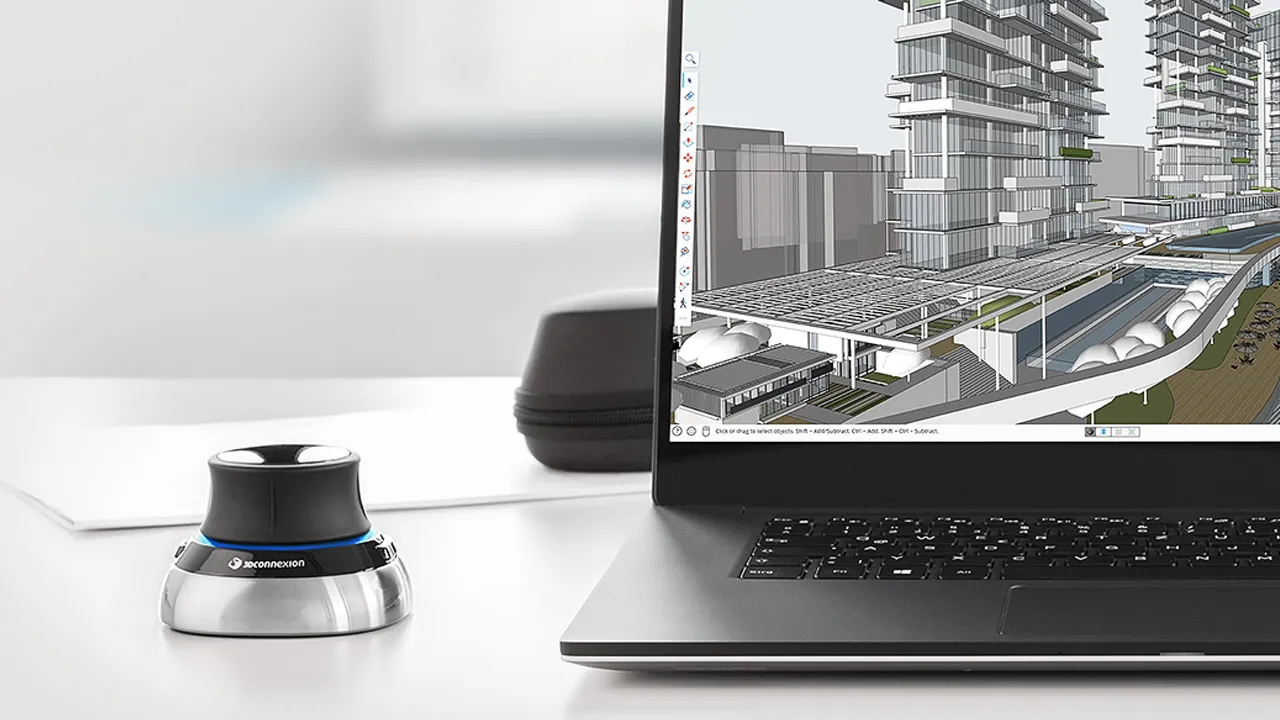
I use 3Dconnexion tools every day because they make SketchUp modeling smoother, faster, and more precise—especially SpaceMouse and CadMouse, which also help reduce strain during long modeling sessions.
With a SketchUp Trainer Learning Pass, you’ll get discounts on the same professional hardware that pairs well with production-grade SketchUp workflows. Once your Learning Pass is active, you’ll find your discount details inside the Community Hub.
SketchUp Trainer Learning PassOur Free Resources
They’re free, no strings—just helpful resources to get you going.
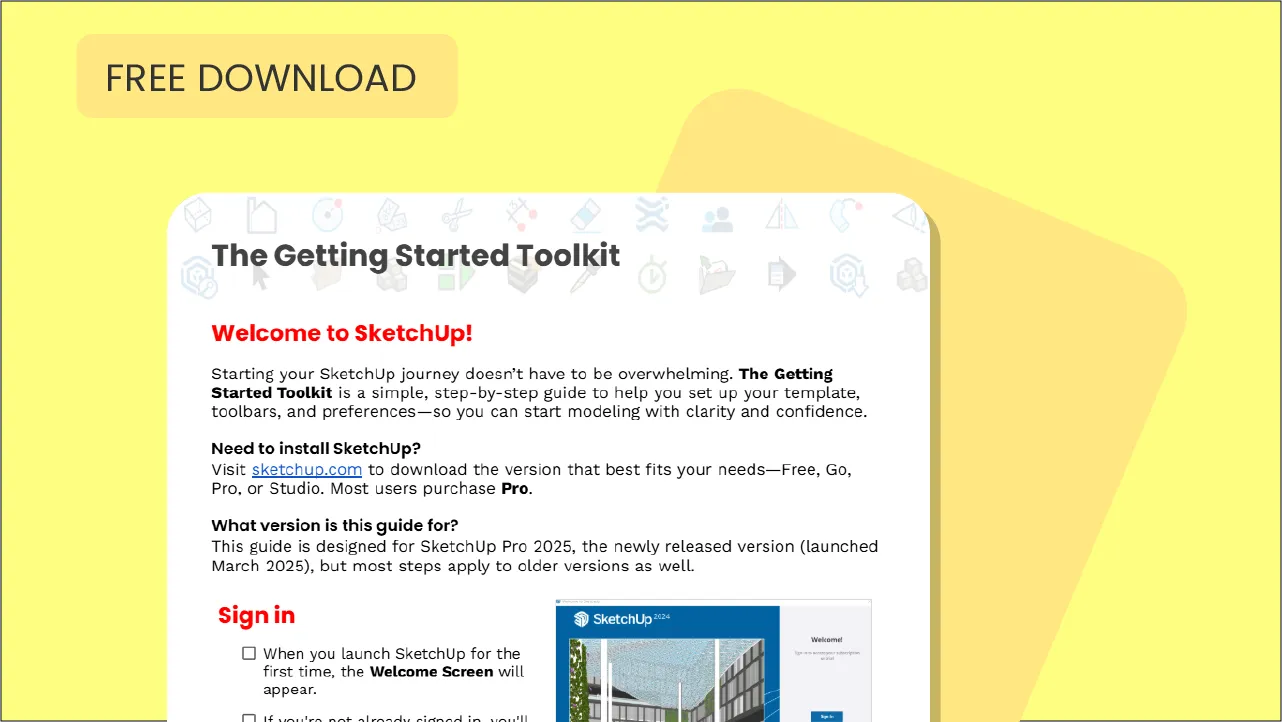
Getting Started Toolkit
Ideal for beginners who want a smoother, more organized start.
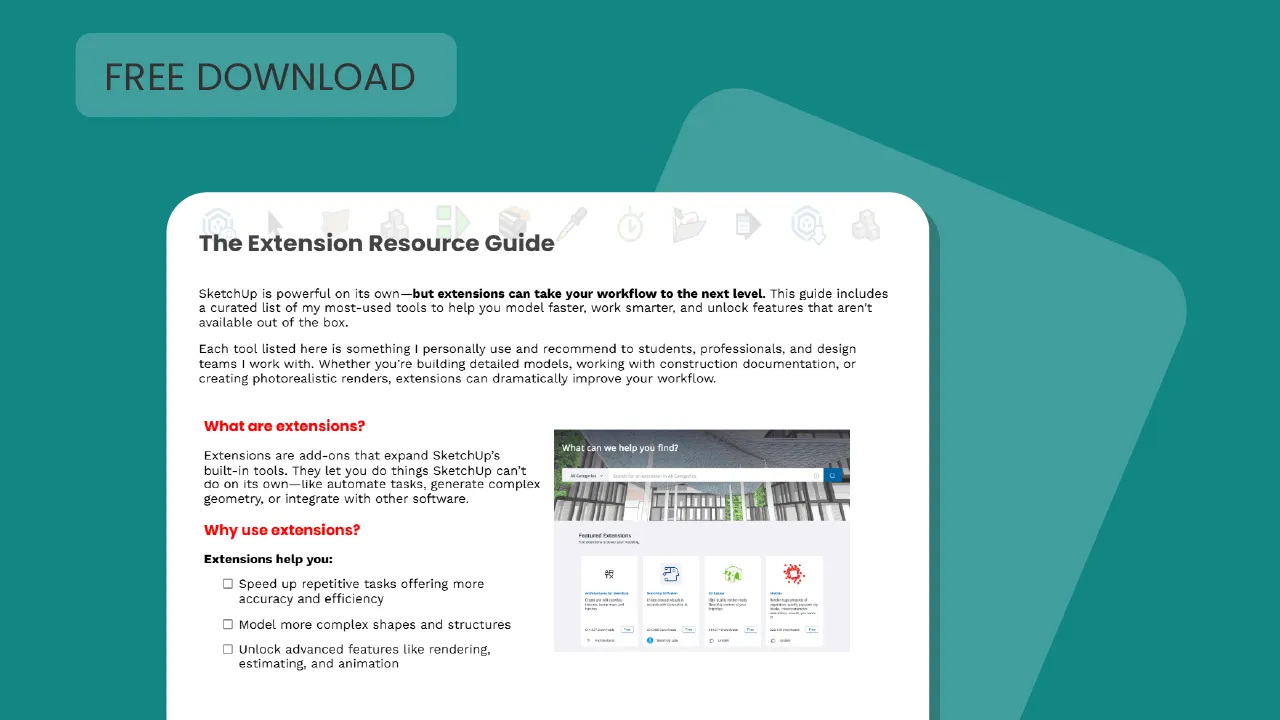
Extension Resource Guide
Ideal for intermediate users looking to expand SketchUp’s capabilities.

Shortcut Companion
Ideal for beginners and intermediate users looking to streamline the process.
