
Learn SketchUp directly with Dan in focused, time-bound training programs built around cleaner models, better workflows, and client-ready presentations.
Steven Christopher Carey, 3D Visualizer
"Dan's classes and techniques have been a regular part of my toolbox for the better part of a decade. I've taken 3 multi-week sessions with Dan over the years and each session has upped my game to the next level, really enhancing the quality of the renderings and 3D visualizations I'm able to provide my clients.
He's a thoughtful and patient teacher and has always made himself available to me whenever I had a question, whether about SketchUp, rendering softwares, or the 3D design business in general. I would highly recommend his classes to anyone seeking to increase their knowledge or standards in regard to 3D modeling and rendering."
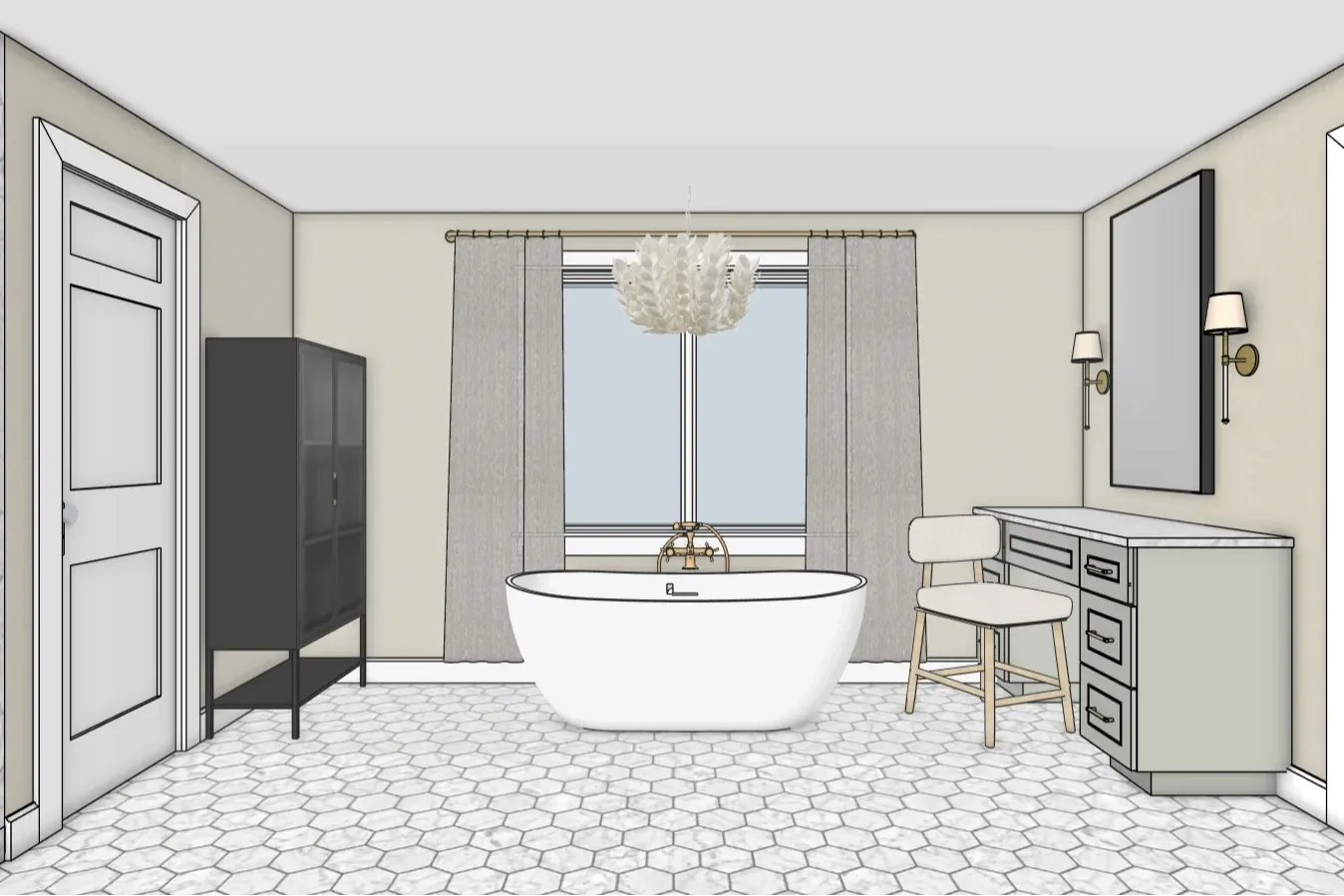

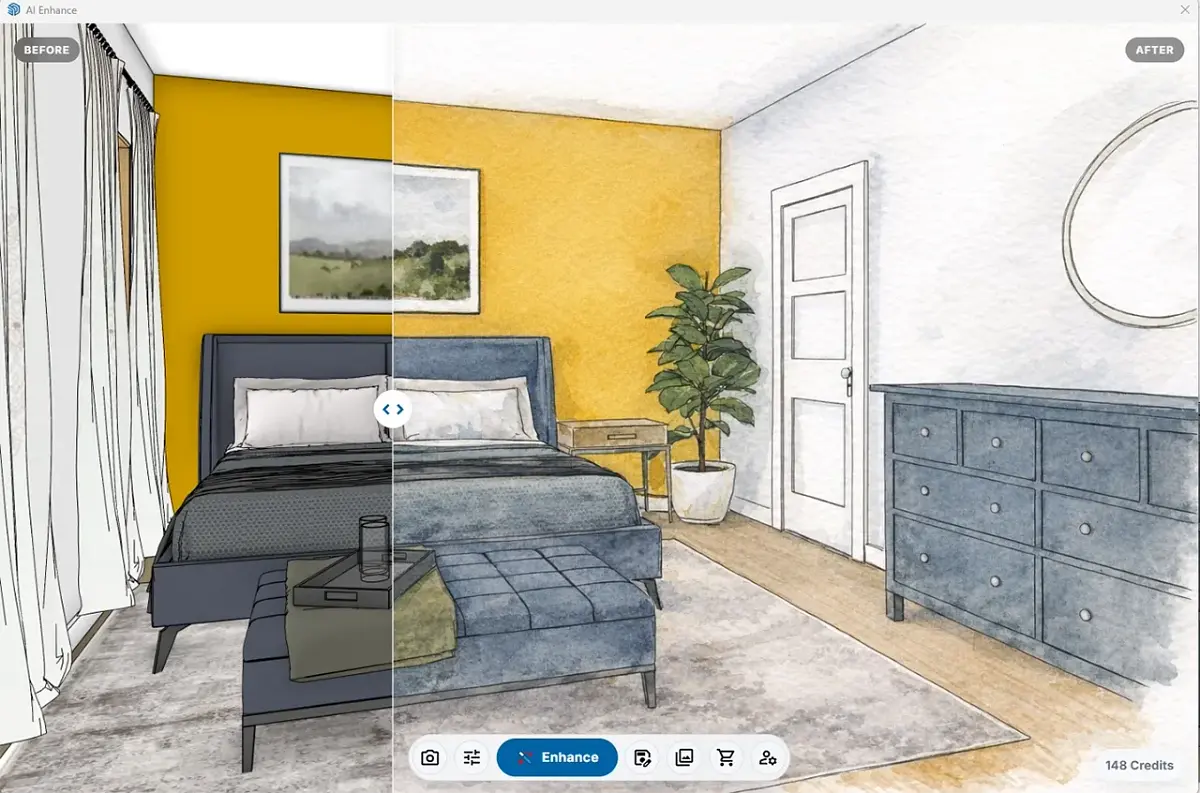
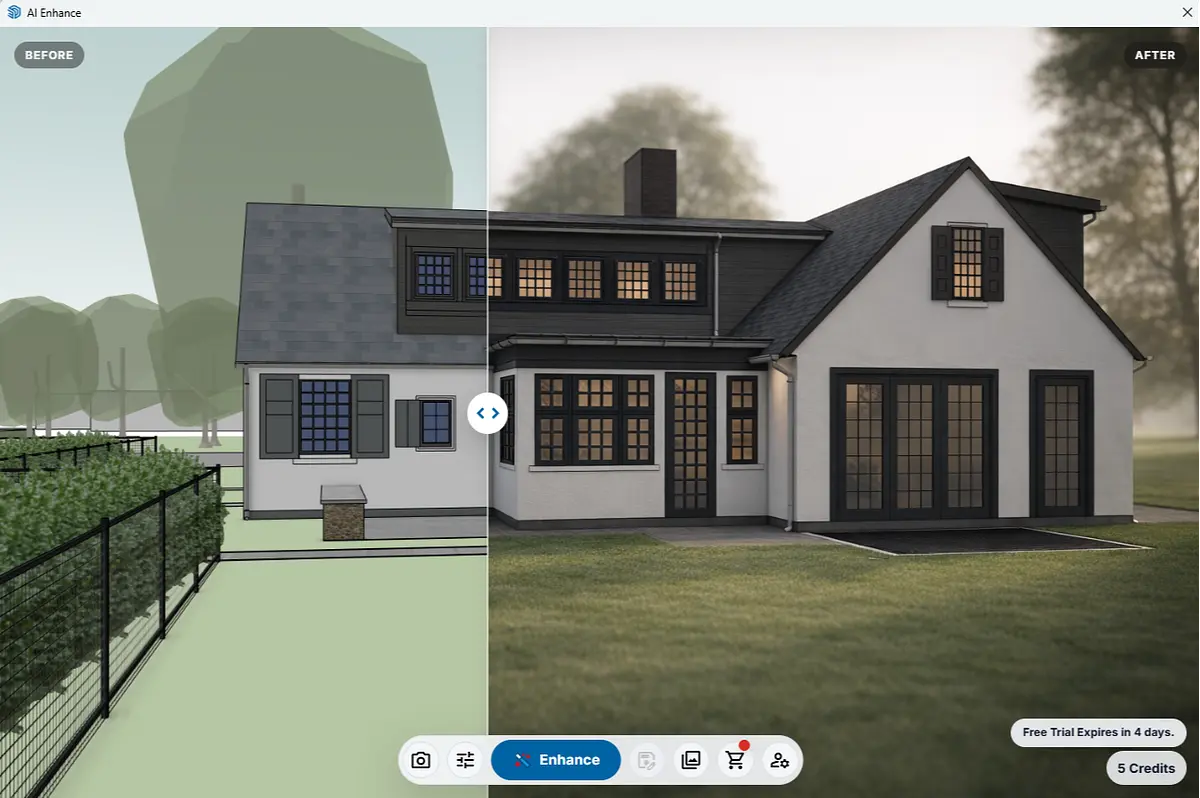
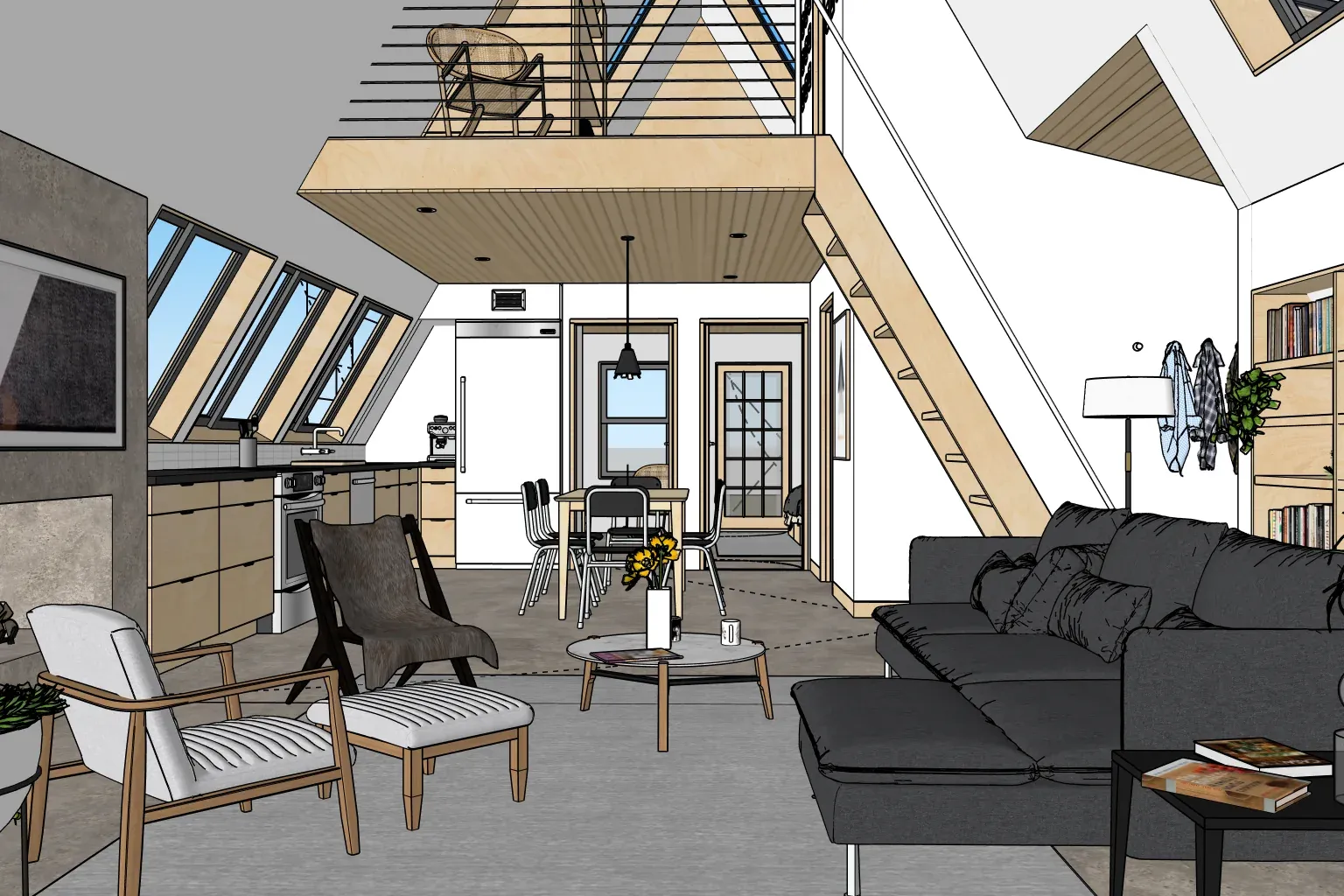
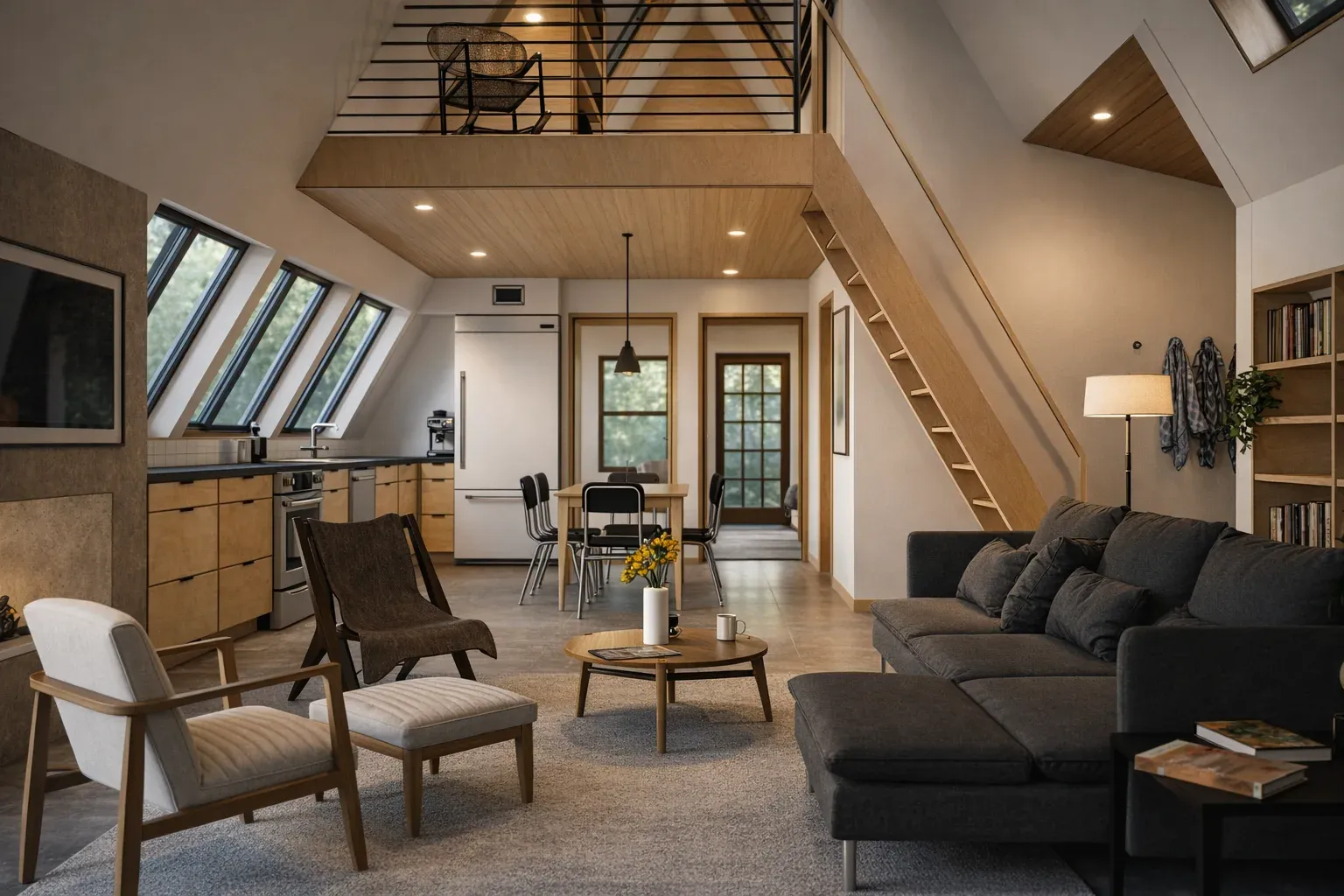
Images from the AI-Powered SketchUp Workflows for Designers mini-course, developed using AI Enhance.
Whether you join a live online cohort, a focused mini-course, or a two-day in-person workshop, you’ll get clear instruction, practical demonstrations, real-time feedback, and help applying what you learn to your own projects.
Virtual
Cohorts & Mini-Courses
Live online cohorts
What You’ll Walk Away With
Cleaner models, a more reliable workflow, and repeatable steps you can use on real projects
A strong fit for busy schedules—because you can learn in focused chunks without travel, and replays are included so you can revisit the material or catch up if you miss a session.
Cohort & Mini-Course Structure
- Over the course of a few weeks, you’ll feel a real shift in how SketchUp fits into your work. Not “I watched a few tutorials and I’m piecing it together,” but more like: I understand the process, my model is staying cleaner, and I know how to move from idea to presentation.
- This format is designed for steady progress. Instead of trying to learn everything in one session, you’ll build skills week by week, with time in between sessions to apply what you’re learning to your own work.
- These are live, small-group online training programs, so you’re not left figuring things out on your own. You’ll get clear instruction, practical demos, real-time Q&A, and space to ask questions as challenges come up.
In-Person
Workshops
Two-day, in-person intensives (Philadelphia)
Included With In-Person Workshops
12 months of Learning Pass access (Course Library + Project Clinics + Community Hub).
There’s a difference when you learn in person—you’re not just watching, you’re doing it, fixing it, and building the habit as you go.
Training Format
-
In two focused days, you’ll feel the difference in how SketchUp works for you. Not “I’m kind of figuring it out as I go,” but more like: I know what I’m doing, my model stays organized, and I can set up views that make presenting the design feel straightforward.
-
Fast progress in a focused, distraction-free setting. You’ll build a solid SketchUp foundation, strengthen your day-to-day process, and leave with models you can keep developing after class.
-
This is hands-on, small-group training, so it’s not just watching demos. You’ll get real-time feedback, plenty of Q&A, and a chance to connect with other designers who are building the same skillset.
Upcoming Live SketchUp Training
2-Day In-Person SketchUp Training in Philadelphia
SketchUp Foundations: From Setup to a Repeatable Workflow is a hands-on, two-day SketchUp class in Philadelphia for beginners, self-taught users, and early-intermediate users who want to build stronger modeling skills and a more reliable way of working.
Over two focused days, you’ll learn how to set up SketchUp properly, model accurately, organize your work, create useful views, manage changes, and develop a repeatable workflow you can carry into real projects.
Rather than learning isolated tools and commands, you’ll work through the fundamentals in context—with live instruction, hands-on practice, troubleshooting, and real-time feedback.
Live Virtual SketchUp Training for Beginners
SketchUp 101 is a live online SketchUp course designed for beginners and newer users who want to build a strong foundation without trying to piece everything together on their own.
Across four focused, 90-minute sessions, you’ll learn the essential SketchUp tools and modeling concepts while building the habits that make your models cleaner, easier to edit, and easier to organize as projects become more complex.
This is live training—not a self-paced course—so you’ll be able to follow along, ask questions, and get real-time guidance as you learn.
Live AI + SketchUp Training for Designers
AI-Powered SketchUp Workflows is a four-session live online course for SketchUp users who want to understand where AI can actually improve their modeling, visualization, and day-to-day workflow.
Rather than focusing on AI as a novelty, we’ll explore practical ways to use emerging tools alongside SketchUp—from generating and refining design ideas to creating 3D assets, improving visualization, auditing models, and speeding up repetitive work.
You’ll see real workflows, practical demonstrations, and where these tools fit—and where they don’t—so you can make better decisions about how AI belongs in your own SketchUp process.
Live SketchUp Workflow Training for Professionals
Work directly with Dan to build a cleaner, more dependable SketchUp workflow you can carry from one project to the next.
Designed for people who already know the basics, this 14-week live cohort guides you through the FRAME Workflow—from project setup and model organization through revisions, drawings, and client-ready presentations. Weekly Studio Sessions give you practical guidance and project feedback as you apply the training to your own work.
Your registration includes one private 60-minute session with Dan and 12 months of Learning Pass access, so you can continue using the course library, Project Clinics, and Community Hub after the cohort ends.
Interested in the next cohort?
Join the waitlist to receive early details, registration updates, and guidance on whether the Studio, SketchUp 101, or another training option is the best next step for you.
