
IN-PERSON WORKSHOP
SketchUp Foundations:
2-Day In-Person Workshop
August 12–13, 2026
This hands-on, small-group SketchUp workshop helps beginners and early-intermediate users build a stronger foundation in SketchUp Pro.
Over two full days, you’ll practice core tools, clean modeling habits, Groups and Components, Tags, Scenes, LayOut basics, Matched Photo, importing 2D drawings, extensions, and professional visualization workflows.
You’ll leave with a clearer process, reusable practice files, 12 professional development/contact hours, a Certificate of Completion, and 12 months of the SketchUp Trainer Learning Pass.
Early Bird pricing: $645 through May 31, 2026. Regular price: $795.
Workshop at a glance
Format: 2-day, in-person SketchUp workshop
Dates: Wednesday–Thursday, August 12–13, 2026
Time: 9:00 AM–4:00 PM ET both days
Location: Racquet Club of Philadelphia, Center City Philadelphia
Best for: Beginners and early-intermediate SketchUp users who want a stronger foundation
Education hours: 12 professional development/contact hours
Certificate: Certificate of Completion included
Bonus: 12 months of the SketchUp Trainer Learning Pass included
Early Bird: Save $150 through May 31, 2026
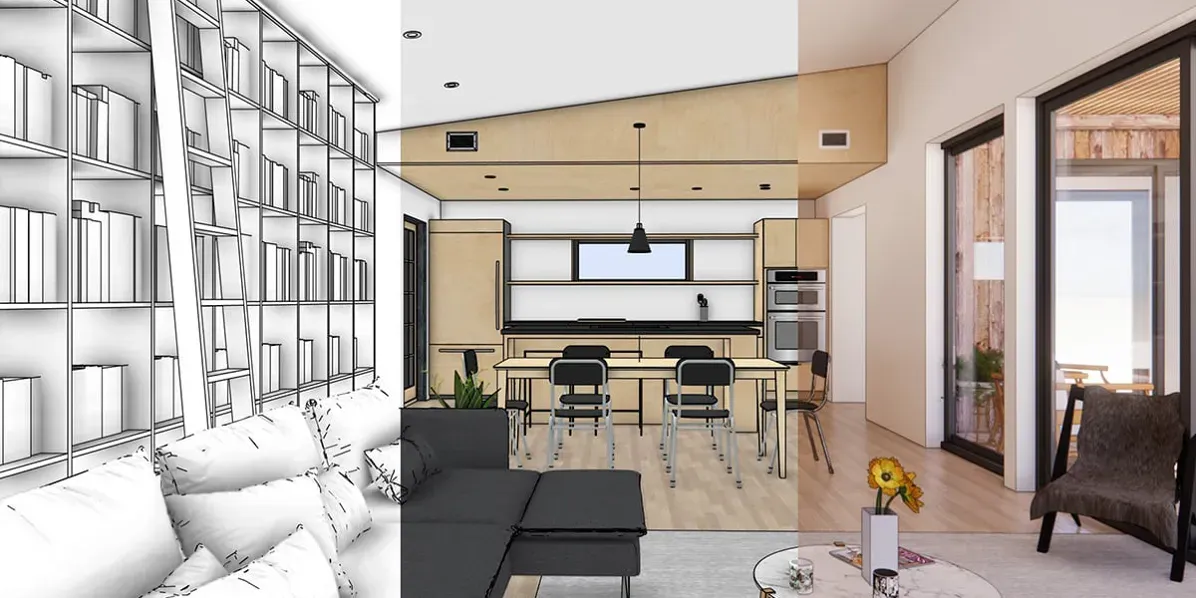
What you’ll be able to do in 2 days
→ The goal is to build a foundation that makes SketchUp feel easier, faster, and more reliable on real work.
By the end of SketchUp Foundations, you’ll be able to:
-
Set up SketchUp Pro and customize your workspace for real projects
-
Use core tools (Line, Rectangle, Arc, Push/Pull, Offset, Move, Tape Measure) with confidence
-
Create and edit accurate 3D models
-
Use Groups + Components to stay organized and model efficiently
-
Organize visibility using Tags
-
Use styles, scenes, and navigation tools to present your work clearly
-
Model from photos using Matched Photo
-
Import 2D drawings and turn them into a clean 3D base model
-
Speed up your workflow with SketchUp extensions
-
Understand how tools like Enscape fit into a photorealistic rendering workflow
→ There’s a difference when you learn in person —you’re not just watching,
you’re doing it, fixing it, and building the habit as you go.

John Michael Nixa, Owner & President, West Side Lumber
"Daniel was a pleasure to work with. Very knowledgeable and easy to work with. He asks all the right questions and ensures you get what you are looking for from his trainings. I would highly recommend him for anyone looking to learn SketchUp."
SketchUp Foundations: Summer 2026 Cohort
Center City, Philadelphia
August 12–13, 2026 (Wednesday + Thursday)
9:00 AM - 4:00 PM ET both days
Racquet Club of Philadelphia (215 S 16th St)
$645 Early Bird I $795 Regular Price
Early Bird Pricing: Save $150 through May 31, 2026
→ Posted early so you can plan travel and time away from your day to day. A great fit for educators on summer break.
Who this is for
→ There are plenty of SketchUp tutorials out there—but if you’re looking for expert-level training tailored to professionals, you’re in the right place.
This class is for you if:
-
You want a strong SketchUp foundation you can apply to real projects
-
You’ve learned a few tools and want a clear, repeatable workflow
-
You want in-person instruction with hands-on practice and real-time feedback
-
You want a distraction-free, small-group setting (limited seats)
Great fit for:
-
Interior designers
-
Architects and students
-
Landscape / exhibit / experiential designers
-
Contractors and design-build professionals
-
Educators and serious hobbyists
Meet Your Teacher
Hi, I'm Dan
and all in-person workshops and live webinars are led by me.
I’m the founder of SketchUpTrainer.com
—an educator, designer, and (last but not least) a SketchUp expert.
- 15+ years of experience as a SketchUp trainer & consultant
- 10 years teaching SketchUp at the college level
- Trained thousands of architects, designers, and contractors
- Since 2007, I’ve been helping professionals master 3D modeling, streamline their workflows, and bring complex projects to life.

"My approach is interactive and project-based—simple and dependable—focused on clean models, reliable workflows, and client-ready visuals.
I put a strong emphasis on foundational skills, because in design and architecture, everything depends on a strong foundation."
Day 1 breakdown
Day 1 – Build a Strong SketchUp Foundation
-
Set up SketchUp Pro and customize your workspace
-
Learn essential drawing tools (Line, Rectangle, Arc, and more)
-
Create and edit 3D forms using Push/Pull, Offset, and Move
-
Master Groups + Components for clean, efficient modeling
-
Use styles, scenes, and navigation tools to present your work clearly
-
Intro to LayOut for creating professional drawings and documents
-
Wrap up with live Q&A to reinforce the day’s key concepts and clear up any sticking points
Day 2 breakdown
Day 2 – Apply Techniques + Optimize Your Workflow
-
Model from photos using the Matched Photo tool
-
Import 2D drawings and turn them into clean 3D models
-
Organize visibility with Tags for reliable model control
-
Apply interior modeling techniques for spaces and finishes
-
Speed up your process with SketchUp extensions
-
Explore how tools like Enscape fit into a photorealistic workflow
-
Wrap up with live Q&A to reinforce key concepts and workflows
What’s included / how it works
Included with your registration:
-
2 full days of in-person instruction, demos, and guided practice
-
Downloadable practice files + workflows you can reuse
-
12 months of the SketchUp Trainer Learning Pass ($349 value) — full Course Library access plus the Community Hub & Project Clinics for ongoing support
-
Certificate of Completion — for your portfolio, professional development, or employer reimbursement
-
Live Q&A throughout class (plus a dedicated wrap-up Q&A at the end of Day 2)
Requirements / what to pack
Your class essentials
-
Laptop + power cord (Mac or PC)
-
3-button scroll-wheel mouse (highly recommended for smoother navigation)
-
SketchUp Pro 2026 installed (7-day free trial available)
-
Note: This class is designed around the desktop version of SketchUp Pro (Mac/PC), not SketchUp for iPad or SketchUp Go (web).
Location + travel details
-
Racquet Club of Philadelphia (215 S 16th St)
-
On-site lodging is available at the Racquet Club of Philadelphia.
-
Easy transit access: about a 10-minute walk to Suburban Station (Regional Rail), and about 10–15 minutes to 30th Street Station (Amtrak) by rideshare or a quick SEPTA ride. From Philadelphia International Airport (PHL): about 20–30 minutes by taxi/rideshare (traffic-dependent).
If you’re unsure whether this class is right for you, please reach out before registering—
I’m happy to answer questions and help you choose the best fit. And if you hit a snag during the workshop, I’ll help you work through it so you get the most out of the experience.
Let's connect
Frequently Asked Questions
Is this workshop for SketchUp beginners?
Yes. This workshop is best for beginners and early-intermediate SketchUp users who want a stronger foundation, cleaner modeling habits, and a more dependable workflow.
I’ve taken web-based SketchUp classes—will this be repetitive?
There will be some overlap on core tools and concepts, but this workshop goes beyond watching demos. We’ll work through a real-world workflow together—building clean models, organizing files properly, and setting up views you can reuse on future projects.
If you’ve learned from YouTube or online courses, this is a chance to fill in gaps, replace guesswork with a clear system, and leave with a more reliable way to use SketchUp for real work.
Will we cover LayOut and rendering?
Yes — Day 1 includes an intro to LayOut, and Day 2 includes a practical overview of photorealistic rendering workflows (including Enscape).
Is the SketchUp Trainer Learning Pass included with this class?
Yes. Your registration includes 12 months of Annual Access to the SketchUp Trainer Learning Pass (a $349 value). That includes the full Course Library, the Community Hub, and twice-monthly Project Clinics so you can keep learning and getting support after the class.
When does my included access start?
Your Annual Access starts right after the class ends and runs for 12 months from that date. You’ll receive your login details and access instructions so you’re ready to jump in.
Will the class be recorded?
No — this is live, in-person training and sessions will not be recorded. If you’d like to revisit the material afterward, your included Learning Pass gives you 12 months of access to on-demand courses, Project Clinics, and the Community Hub.
Is this workshop taught in SketchUp for desktop, iPad, or web?
This workshop is designed for the desktop version of SketchUp Pro on Mac or PC. It is not designed around SketchUp for iPad or SketchUp Go/web.
How many professional development hours are included?
This workshop includes 12 professional development/contact hours over two days of live, in-person SketchUp instruction.
Do I receive a certificate?
Yes. Every participant receives a Certificate of Completion at the end of the workshop.
Where is the SketchUp workshop held?
The workshop is held at the Racquet Club of Philadelphia in Center City Philadelphia.
