
JOIN THE WEBINAR
SketchUp 101: Essential Skills for Beginners
Live 4-week webinar series · Thursdays, March 5-26, 2026 · 1:00–2:30 PM ET
A practical 4-week live online SketchUp course to help you finally feel confident in the software — with clean models, good habits, and a clear path from idea to finished design.
SketchUp 101 is a beginner-friendly online SketchUp class for anyone who wants a clear, structured way to learn. Over four weeks, you’ll go from opening SketchUp for the first time to building clean, organized 3D models you can actually use in real projects. This beginner SketchUp course is ideal for interior designers, architects, contractors, students, and hobbyists who want a solid foundation without feeling overwhelmed.
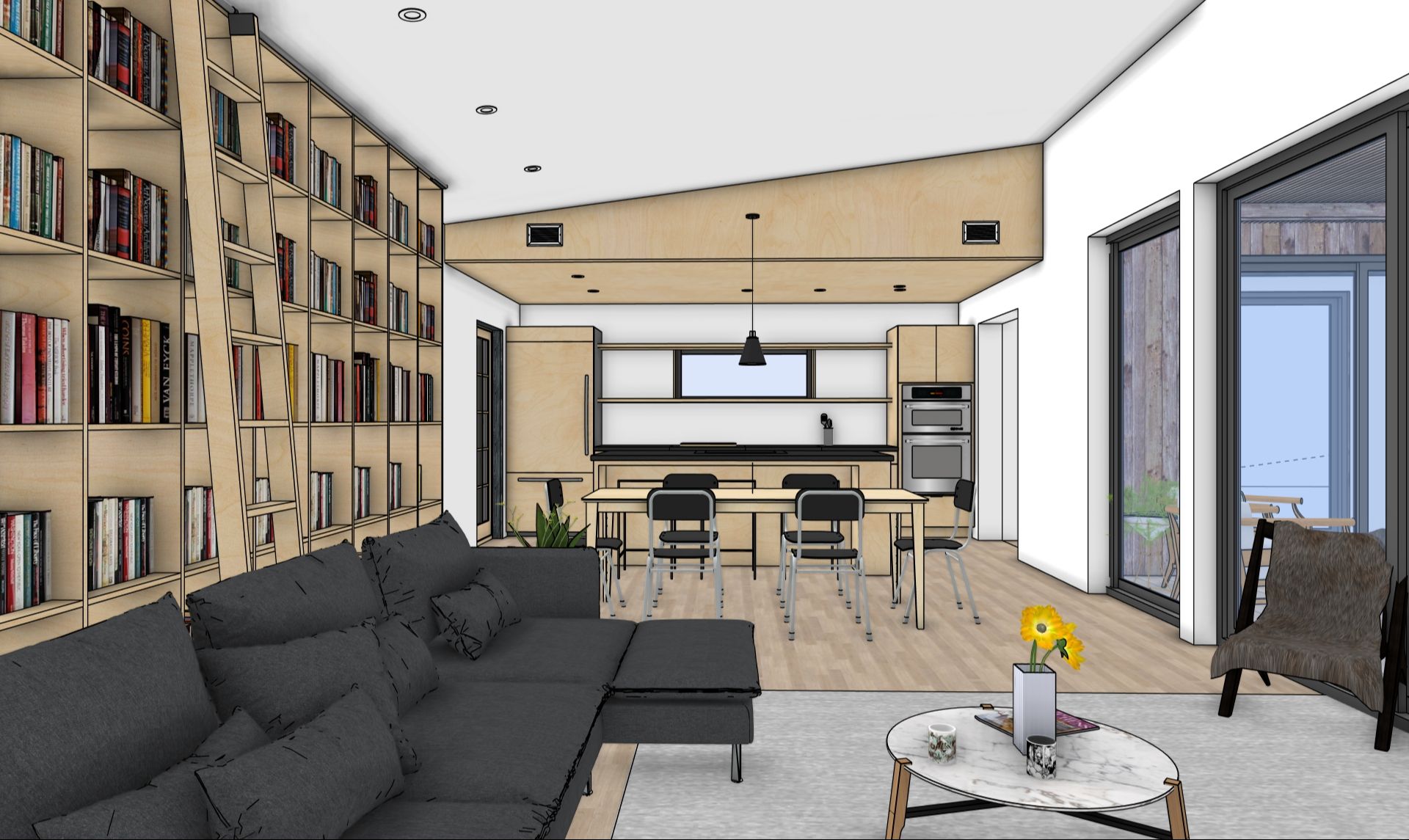
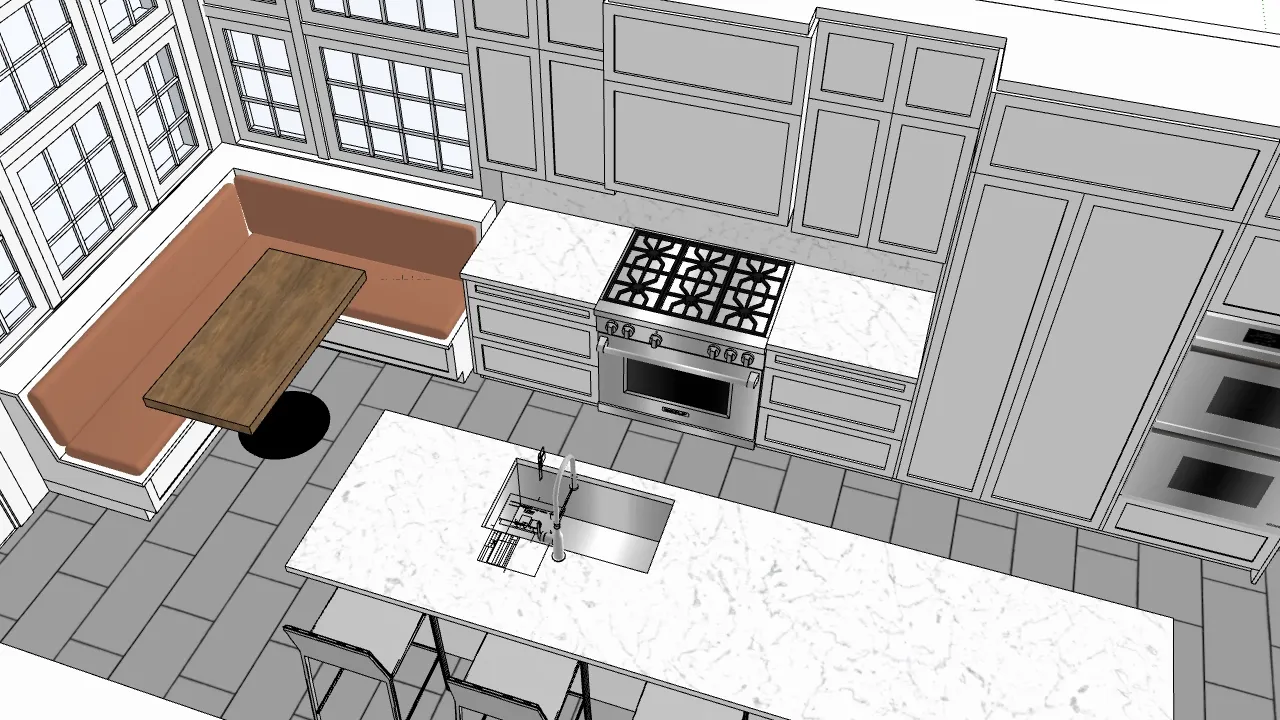
SketchUp 101: Essential Skills for Beginners
Thursdays, March 5-26, 2026
1:00–2:30 PM ET
Who this is for
→ This live SketchUp training is focused on real-world workflows, not just button-clicking.
This class is for you if:
-
You’re brand new to SketchUp or feel like you “missed the basics”
-
You’ve clicked around but keep running into frustration or messy models
-
You want a clear, step-by-step way to learn — not just random YouTube videos
Great fit for:
-
Interior designers
-
Architects and students
-
Contractors and remodelers
-
Design-build professionals
-
Educators and students
-
Hobbyists who want to learn SketchUp the right way from the start
→ A strong fit for busy schedules - because you can learn in focused chunks without travel, and replays are included so you can revisit the material or catch up if you miss a session.
What you’ll be able to do in 4 weeks
→ The goal isn’t to learn every tool. It’s to give you a solid foundation so everything else in SketchUp makes more sense and feels easier.
By the end of SketchUp 101, you’ll be able to:
-
Open SketchUp and actually know where to start
-
Navigate confidently without fighting the camera or getting “lost” in your model
-
Use core tools (Move, Push/Pull, Offset, Tape Measure, etc.) in a clean, efficient way
-
Build simple 3D spaces and objects with correct dimensions
-
Keep your models organized so they don’t fall apart when you edit them
-
Set up basic scenes for clean screenshots and simple presentations
-
Avoid the most common beginner mistakes that waste time and break models
Meet Your Teacher
Hi, I'm Dan
and all in-person workshops and live webinars are led by me.
I’m the founder of SketchUpTrainer.com
—an educator, designer, and (last but not least) a SketchUp expert.
- 15+ years of experience as a SketchUp trainer & consultant
- 10 years teaching SketchUp at the college level
- Trained thousands of architects, designers, and contractors
- Since 2007, I’ve been helping professionals master 3D modeling, streamline their workflows, and bring complex projects to life.

"My approach is interactive and project-based—simple and dependable—focused on clean models, reliable workflows, and client-ready visuals.
I put a strong emphasis on foundational skills, because in design and architecture, everything depends on a strong foundation."
Weeks 1-2 breakdown
Week 1 – Getting Comfortable in 3D
-
Installing/setting up SketchUp
-
Interface, toolbars, and navigation
-
Axes, camera movement, and selection
-
Drawing accurately with basic tools
Week 2 – Building Clean 3D Geometry
-
Push/Pull and basic volume modeling
-
Walls, floors, openings, and simple objects
-
Groups vs. components (and why it matters)
-
How to avoid “sticking” geometry
Weeks 3-4 breakdown
Week 3 – Organizing Your Model
-
Tags/layers, scenes, and basic styles
-
A beginner-friendly file structure that keeps things clean
-
Working with images or reference drawings
-
Fixing common model issues
Week 4 – From Model to Simple Presentation
-
Setting up scenes for screenshots or PDFs
-
Simple, readable styles
-
Exporting images to share with clients, classmates, or collaborators
-
Next steps: what to focus on after this beginner SketchUp course
What’s included / how it works
→ This is the closest thing to having someone walk you through SketchUp step by step, with time to practice in between.
In this live online course, you get:
-
4 weekly live sessions (90 minutes each)
Focused lessons, live demos, and guided walkthroughs of each workflow. -
Recordings of every session
Ideal if you can’t attend live or want to revisit specific techniques. -
Downloadable practice files and resources
So you can follow along and adapt examples to your own projects. -
Live Q&A in each session
Ask questions, get clarifications, and see workflows applied to real scenarios.
Attend live or on your own schedule
All sessions are recorded and shared shortly after each class. Whether you join live or prefer to learn at your own pace, you’ll have full access to the material.
Some participants attend every session live, while others catch up with the recordings—both approaches work well, and you’ll receive the same content, demos, and resources either way.
Please note that live Q&A and support are available during the scheduled course dates. If you’re watching recordings after the series has ended, I’m happy to help with brief follow-up questions when possible, but in-depth support may require joining the next live run or booking private training.
Requirements
To get the most out of this beginner SketchUp course, you’ll need:
-
SketchUp Pro 2026 (trial or licensed version)
-
Desktop or laptop computer capable of running SketchUp Pro
-
Stable internet connection for live sessions and video streaming
-
(Recommended) A 3-button scroll-wheel mouse for smoother navigation and modeling
This course is designed around the desktop version of SketchUp, not SketchUp for iPad or SketchUp Go (web). While those tools are useful for markups and presentations, they’re not ideal for the full workflows we’ll cover here.
If you’re unsure whether this class is right for you, please reach out before registering—
I’m happy to answer any questions or help you choose the best fit. If you encounter difficulties during the course, I’m committed to providing support so you can get the most out of the experience.
Frequently Asked Questions
Who is this class best for?
SketchUp 101 is designed for true beginners and early users. If you’ve never opened SketchUp before — or you’ve clicked around, watched a few videos, and still feel lost or messy — you’re in the right place. It’s especially helpful for interior designers, architects, contractors, design-build professionals, educators, students, and hobbyists who want a solid foundation for real projects.
Do I need to know anything about 3D modeling before I join?
No previous 3D experience is required. We start with the basics and build up step by step. If you already know a little SketchUp, you’ll likely fill in gaps, clean up bad habits, and finally understand why certain things keep breaking in your models.
What software do I need for this course?
You’ll need the desktop version of SketchUp Pro 2025 installed on a computer that can run it reliably, plus a stable internet connection. I also strongly recommend a 3-button scroll-wheel mouse for smoother navigation and modeling. This course is built around the desktop version of SketchUp Pro.
What if I can’t attend all of the live sessions?
All sessions are recorded and shared shortly after each class. You can join live, watch the recordings later, or do a mix of both. You’ll get the same core content, demos, and practice files either way. Live Q&A and support happen during the scheduled course dates; if you’re catching up later, I’m happy to help with brief follow-up questions when possible, but deeper support may require joining a future live run or booking private training.
How much time should I set aside each week?
Plan on 90 minutes for the live session plus about 1–2 hours of optional practice time. If you can give yourself a couple of extra practice blocks between sessions, you’ll get a lot more out of the course — but you’ll still benefit even if you can only attend live.
Will we cover rendering (like Enscape) or LayOut in this course?
No. SketchUp 101 focuses on core modeling skills: navigation, clean geometry, organization, and simple presentation from inside SketchUp. Rendering and LayOut workflows are logical next steps once your foundations are solid. This class is meant to prepare you for those more advanced topics.
Can I get help with my own project during the course?
There will be time for questions and quick troubleshooting during live Q&A, and you’re welcome to ask about your project. That said, this isn’t a full project-coaching or one-on-one consulting format. If you’d like deeper, project-specific guidance, private training or team training would be a better fit.
Do you offer refunds if it doesn’t work out for me?
Because this is a live series with limited spots, and because you get access to recordings, I’m not able to offer refunds once the course starts. I also can’t offer refunds or credits for software incompatibility, trouble installing SketchUp, or using unsupported devices (like iPads or older systems). It’s important to make sure your system can run SketchUp Pro before registering.
If you’re unsure whether the class is right for you, please reach out with your questions before you sign up — I’m happy to help you decide.
What happens if I have technical issues during class?
If something comes up on your end (internet drops, computer crash, etc.), you’ll still have access to the full session recording and practice files. If there’s ever a major issue on my end that disrupts a session, I’ll reschedule or add additional support time so you’re not missing material.
