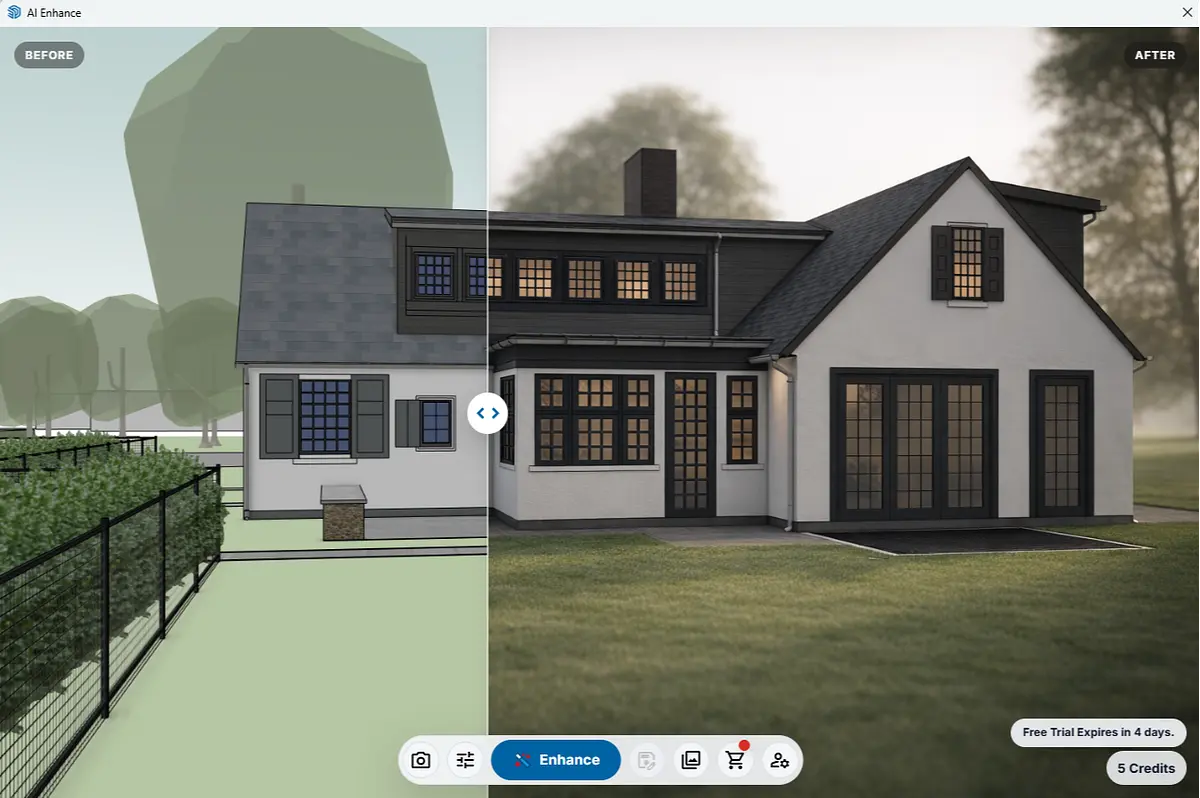
SketchUp Training, Courses + Resources
Hi, and welcome!
Whether you’re learning SketchUp for the first time, improving an existing workflow, or looking for project-specific help, SketchUp Trainer offers live SketchUp training, self-paced SketchUp courses, private instruction, in-person workshops, workflow consulting, and AI-assisted SketchUp resources for beginners and working professionals.
Choose the training format that best fits what you’re trying to accomplish. For current dates, pricing, and registration, visit the Live Training page.
I teach SketchUp as a professional design tool—working with designers, architects, contractors, educators, and teams to build cleaner models, stronger workflows, and better project outcomes.
I help professionals build clean, repeatable workflows so models stay organized, edits are predictable, and visuals are presentation ready.
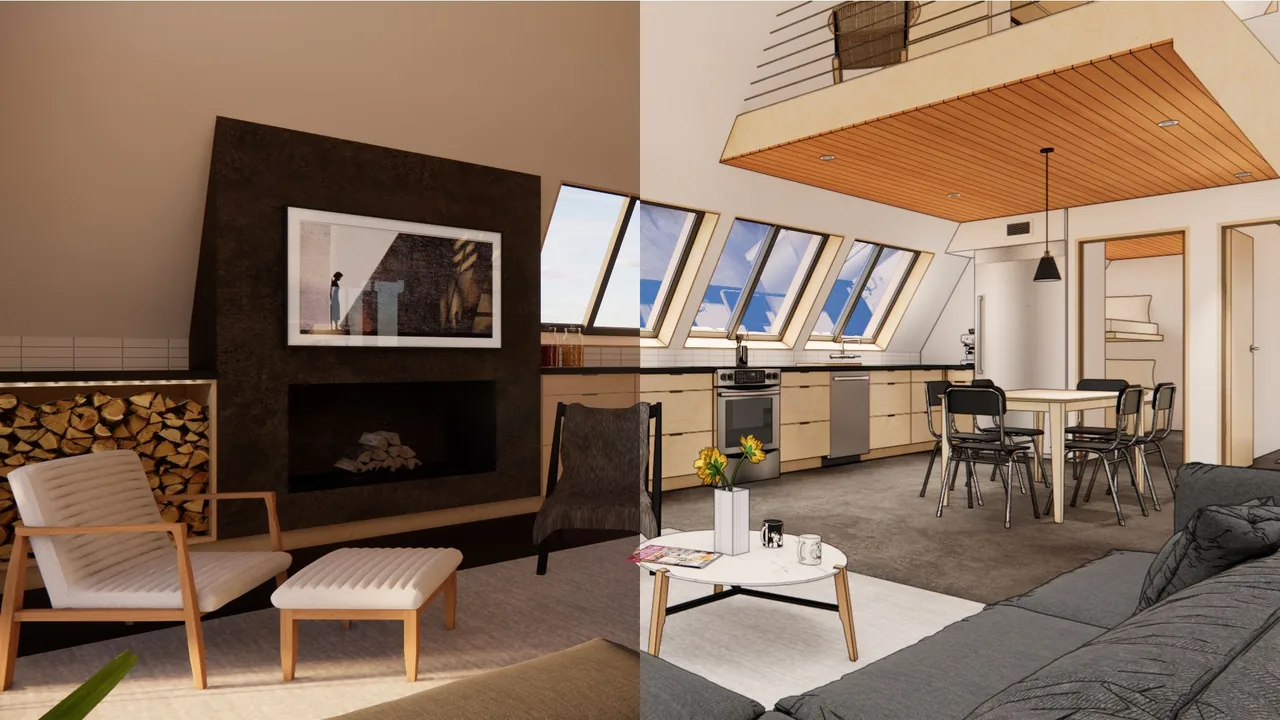
Image from Frustrated to Flawless: Best Enscape Settings for Real-time Rendering Success, featured Chaos blog post.
Choose the SketchUp support that fits what you need next
You may be here to learn at your own pace, join a live training, get help with a specific file,
or bring in expert support for a project.
Start with the path that matches where you are now
— and how you want SketchUp to work better for you.

Live Training
Cohorts, Mini-Courses & Workshops
"As a small museum with a limited staff, the implementation of SketchUp has been transformative in how we conceive, plan, stage, and install exhibitions. This shift would not have been possible without Daniel’s foundational modeling of the museum and his subsequent staff training.
Building on that strong groundwork, his clear and accessible instruction has made SketchUp an essential tool for the institution as we undertake increasingly ambitious projects."
- Devon Zimmerman
Curator of Modern and Contemporary Art
Ogunquit Museum of American Art

Self-Paced Learning
Course Library & Support
“The SketchUp Trainer team implemented a statewide training series for NYSDOT, covering Sketchup Pro and Enscape 3D. The sessions were delivered on time and within budget. The training modules were designed to allow staff to refer back to key components after the sessions.
The virtual classes and recorded materials were migrated to a custom SharePoint site created by the SketchUp Trainer team, providing on-demand learning resources for both current and new employees.”
- Erin Maciel, RLA, Landscape Architect 1
New York State Department of Transportation
OOE Landscape Architecture Bureau

Team or 1:1 Support
Private Training
“Dan is a phenomenal teacher.
He intuitively understands how to build up the basics skills and workflows for a variety of different SketchUp use cases. I work in a niche industry with unusual requirements and he was able to come up with a SketchUp curriculum for me that had me fluent with the basics SketchUp in a matter of weeks. Dan is also just a pleasure to work with and a lot of fun to learn from.”
- Kevin Moyer
Owner
Vermont Frames

Personalized Production Support
Rendering & Consulting
"Daniel was a pleasure to work with.
He is highly skilled and took the time to really listen to our goals, helping us clearly visualize our project in a way that was both thoughtful and precise.
His ability to translate ideas into compelling visuals made the process smooth and productive. We’re very glad we had the opportunity to work with him."
- Rebecca Cordes Chan
Executive Director
Friends of the Rail Park
Live SketchUp Training
Join live virtual SketchUp courses, guided workflow cohorts, and in-person SketchUp workshops designed around practical, real-world use.
Live training ranges from beginner fundamentals to more advanced workflow, visualization, and AI-assisted SketchUp topics. Classes are taught live by Dan Brown and focus on helping you build cleaner models, stronger habits, and more repeatable project workflows.
Explore Current Live SketchUp Training
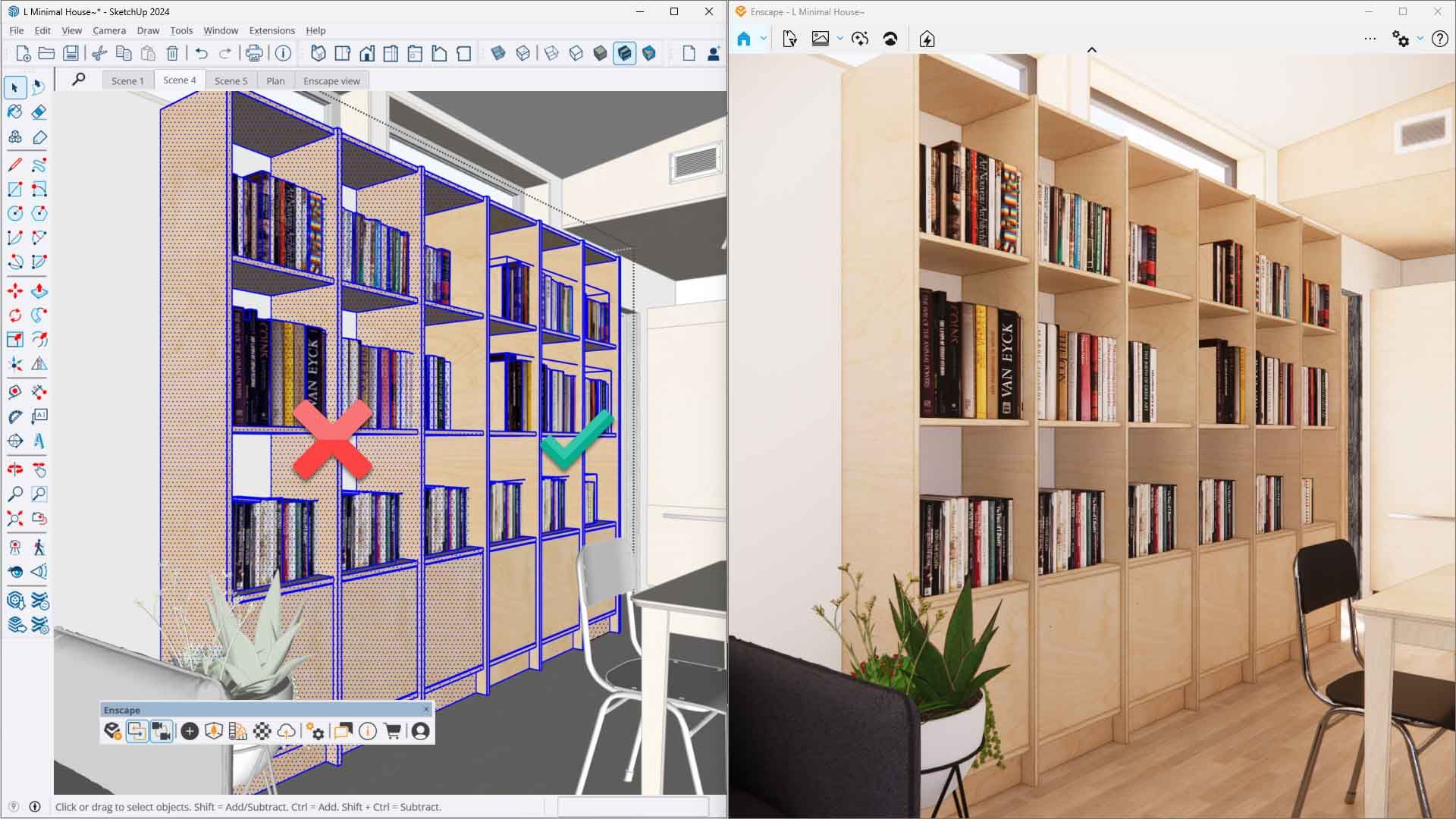
Self-Paced SketchUp Courses
Learn SketchUp on your own schedule with structured, self-paced training covering SketchUp fundamentals, modeling, organization, workflow, visualization, and related professional skills.
Self-paced learning is a good fit if you prefer to move through lessons independently, revisit material as needed, or build your skills between live training sessions.
Explore Self-Paced SketchUp LearningPrivate SketchUp Training
Get one-on-one SketchUp training or customized team training built around your projects, questions, and workflow.
Private training can focus on learning SketchUp, improving an existing process, troubleshooting project files, developing team standards, or solving a specific modeling or visualization challenge.
Explore Private SketchUp Training
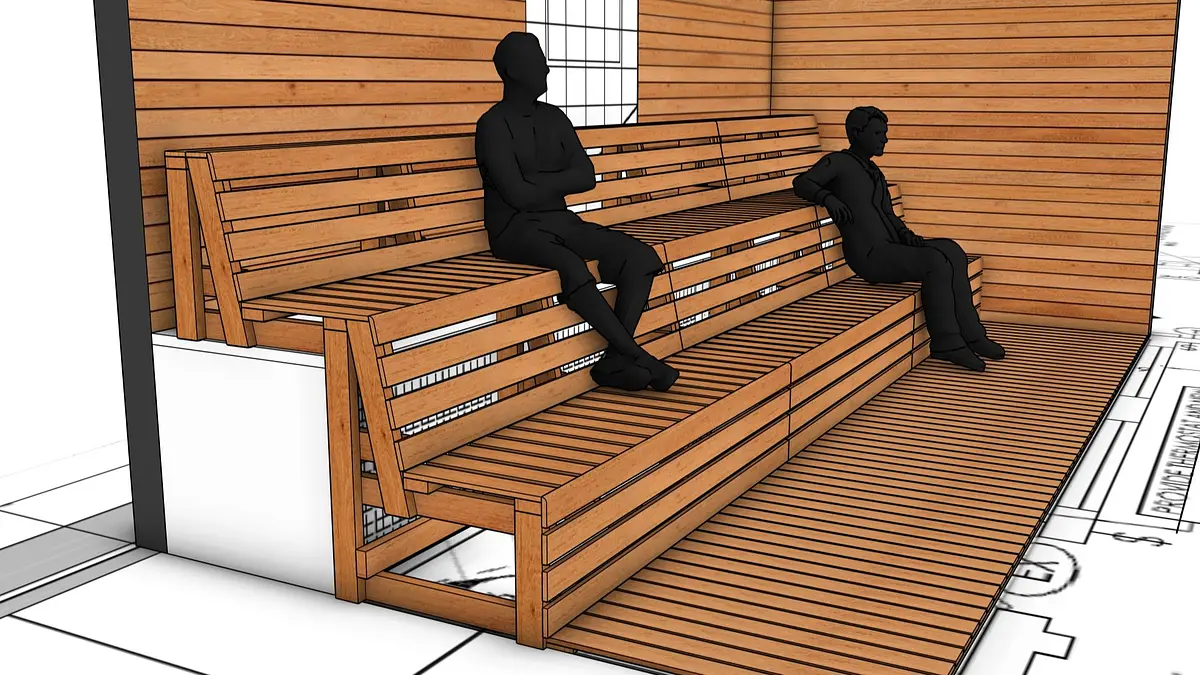
SketchUp Rendering + Workflow Consulting
Need help with a real project rather than a class?
SketchUp Trainer also provides SketchUp modeling, visualization, rendering workflow, project troubleshooting, and design-technology consulting for professionals and teams.
This is a good fit when you need direct project support, workflow development, or help solving a specific technical or visualization problem.
Explore SketchUp Rendering + ConsultingAI + SketchUp Tools and Resources
Explore AI-assisted SketchUp workflows, visualization tools, and professional resources designed to help SketchUp users work more efficiently.
This includes tools and training focused on using AI alongside SketchUp for visualization, design exploration, workflow support, and real project work.
Explore AI + SketchUp Resources