Enhance Your SketchUp Renders in Seconds.
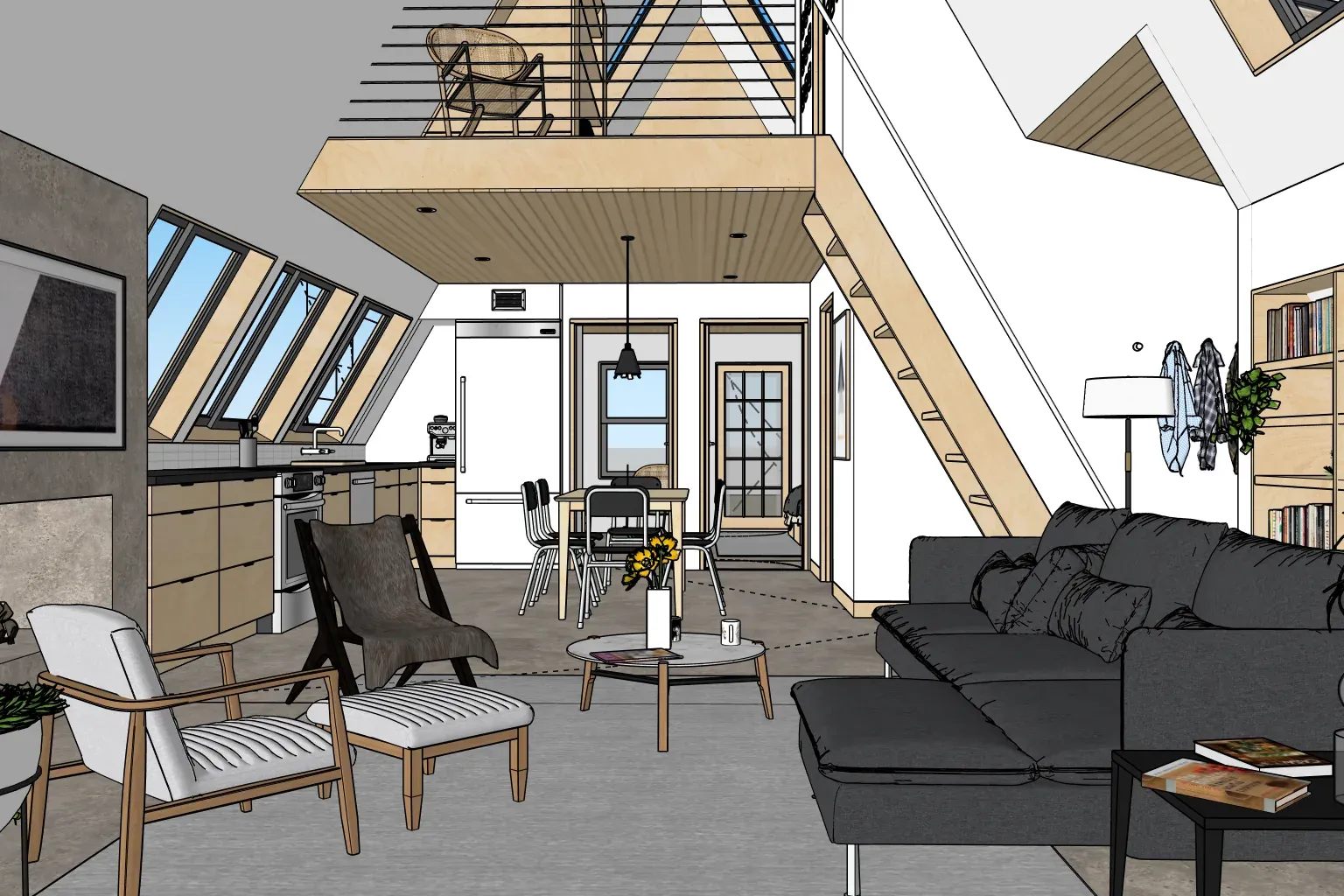
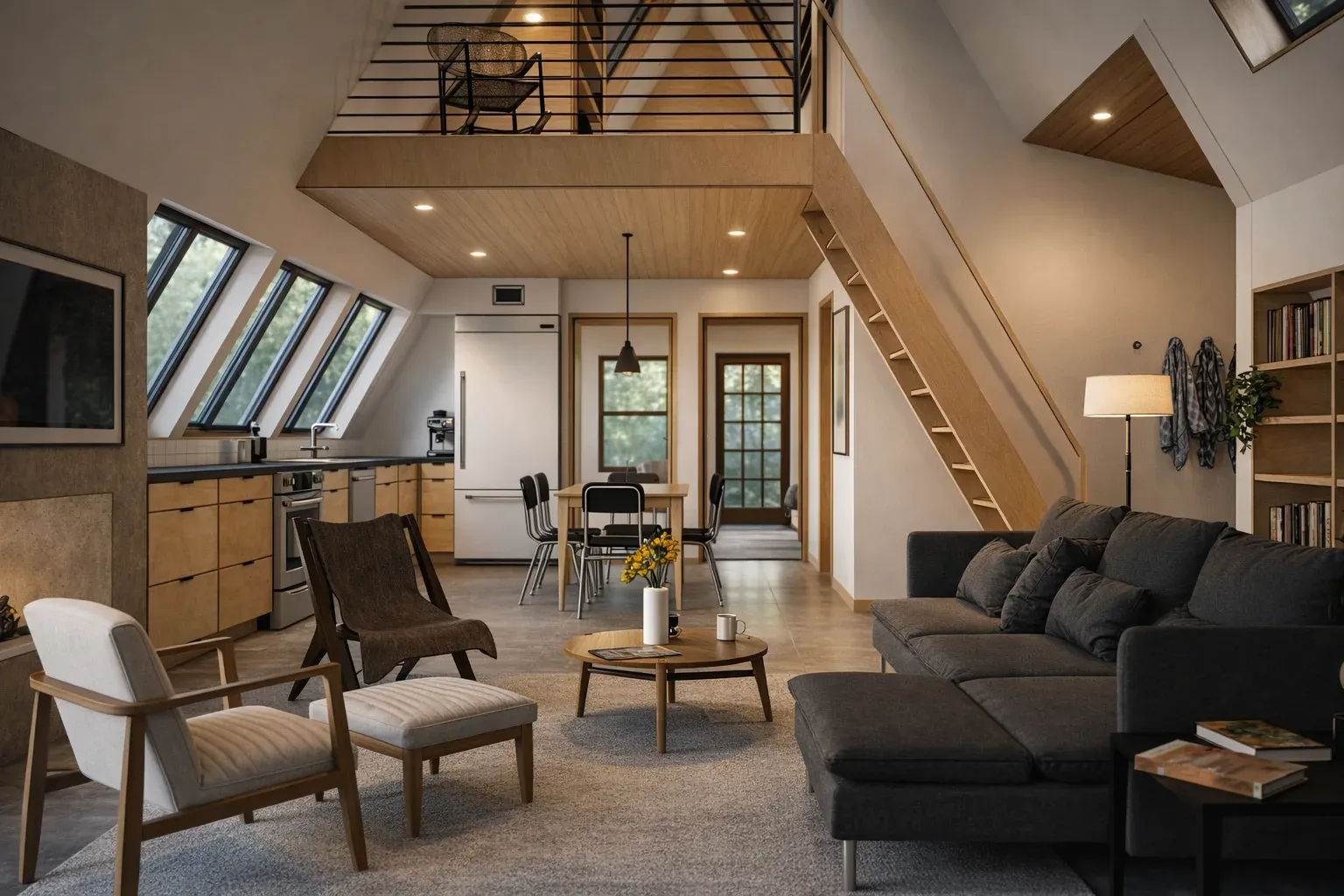
Stop wrestling with complex render settings. AI Enhance for SketchUp transforms your models into stunning, client-ready visuals with a single click.
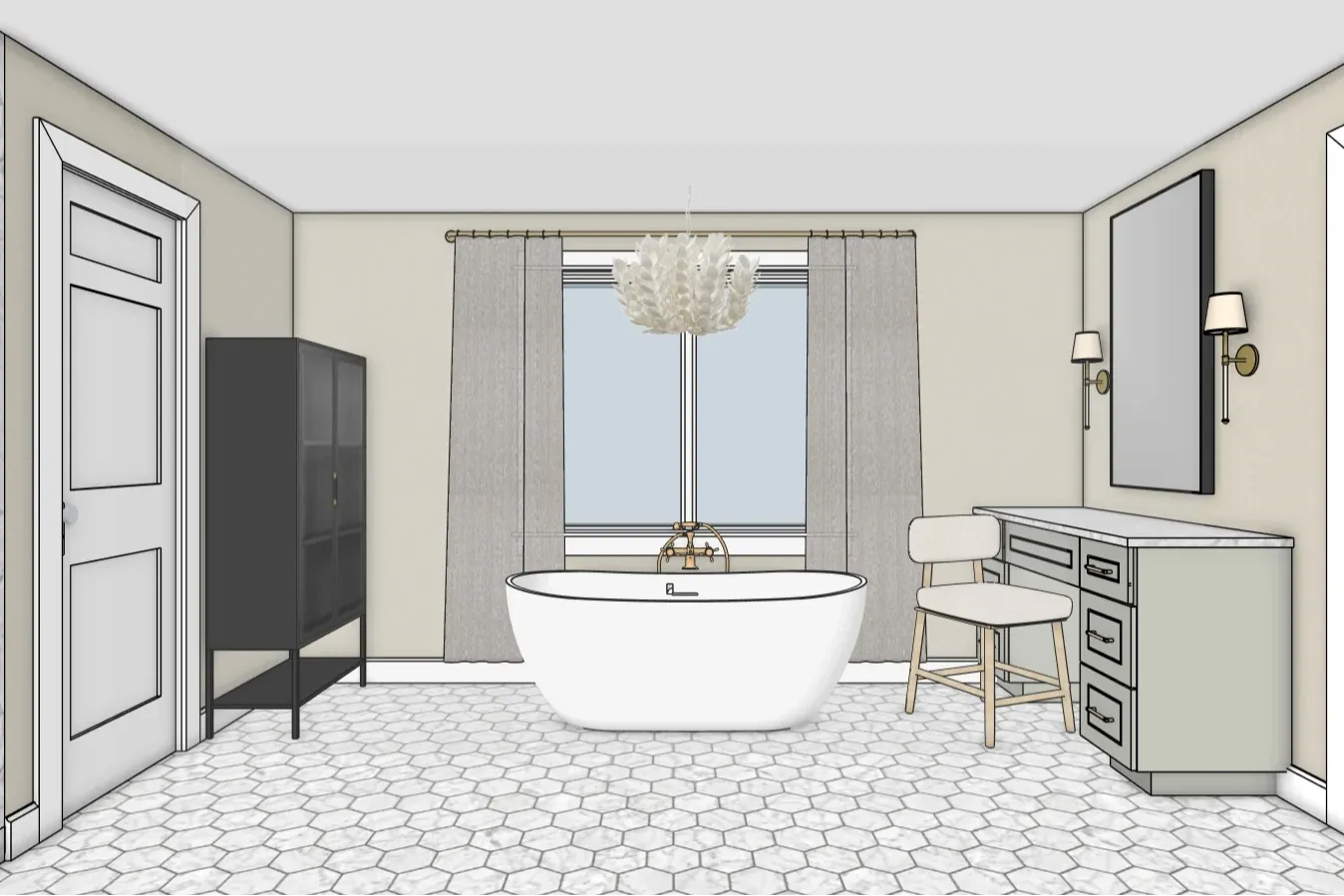

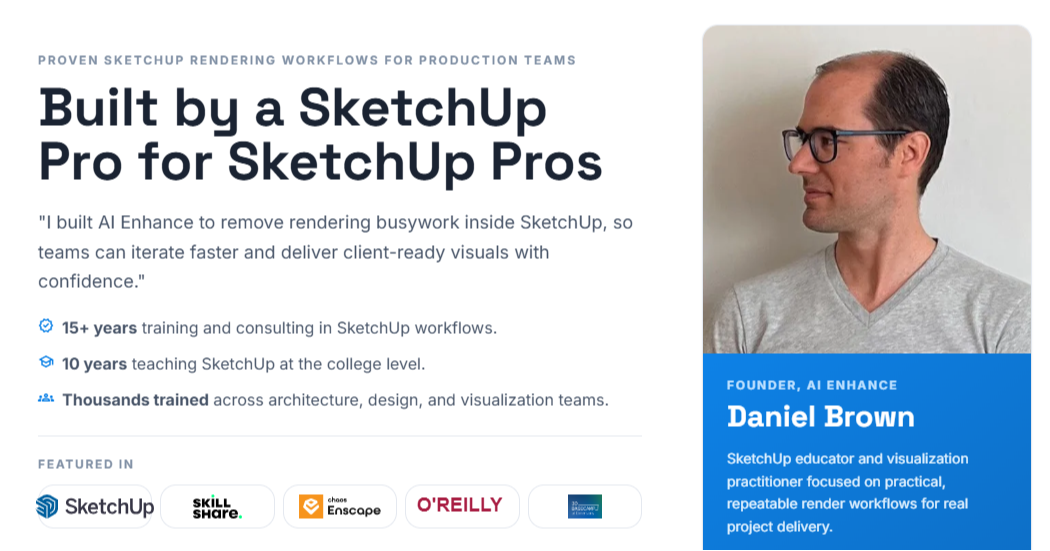
"After spending a lot of time testing AI rendering tools that looked impressive but kept drifting away from the model, I kept thinking: there has to be a better way....
So I built AI Enhance.
It works inside SketchUp and helps turn your model into a compelling visual in seconds — while still respecting the design you actually created.
That part matters to me.
I did not want another tool that made pretty images but lost the actual design along the way. I wanted something that could help designers move faster, communicate ideas more clearly, and still stay true to the work they had already done."
Daniel Brown, Founder, AI Enhance
How AI Enhance Works
A three-step flow built for speed. Stay in SketchUp, click once, deliver photoreal results.
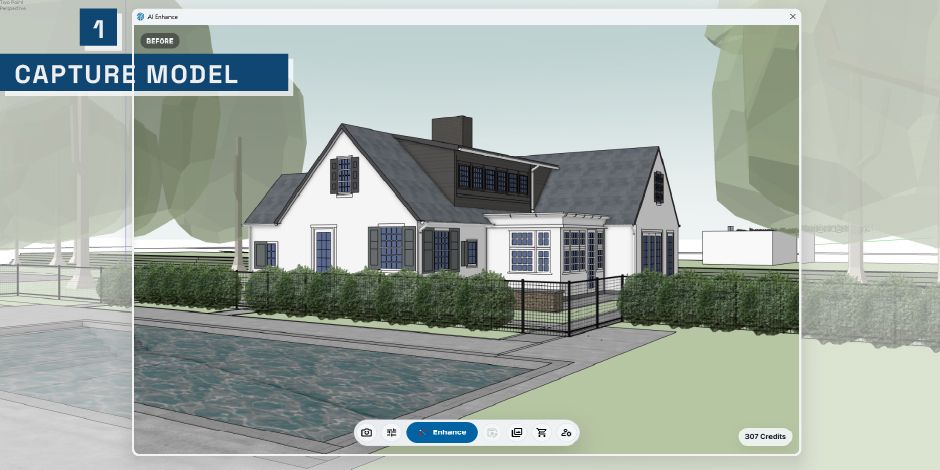
Step 1
Capture Your View
Capture the current SketchUp scene and camera angle - no exports or UV tweaks required.
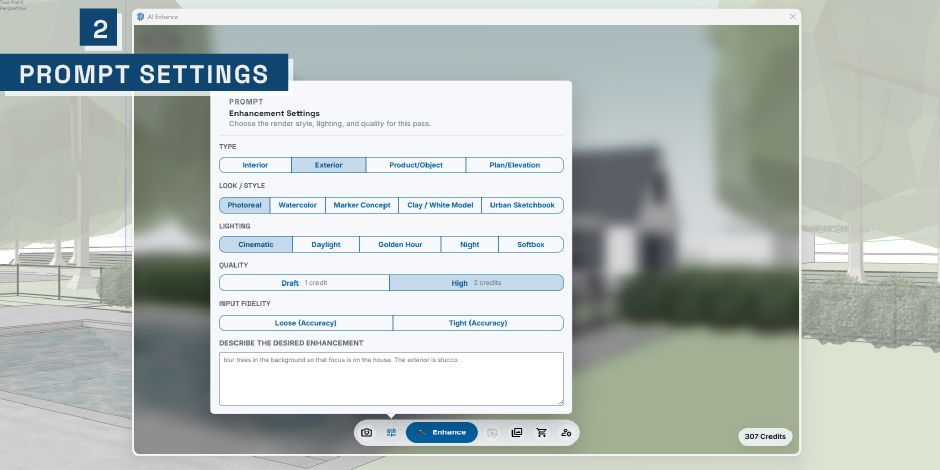
Step 2
Set Enhance Style
Choose your enhancement settings and prompt style, then kick off the render.
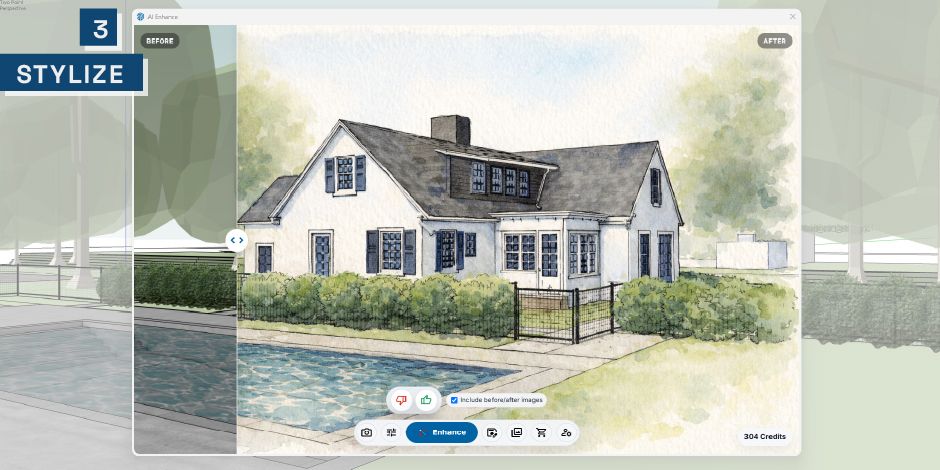
Step 3
Render & Compare
Render in seconds and view a side-by-side comparison to fine-tune or share instantly.

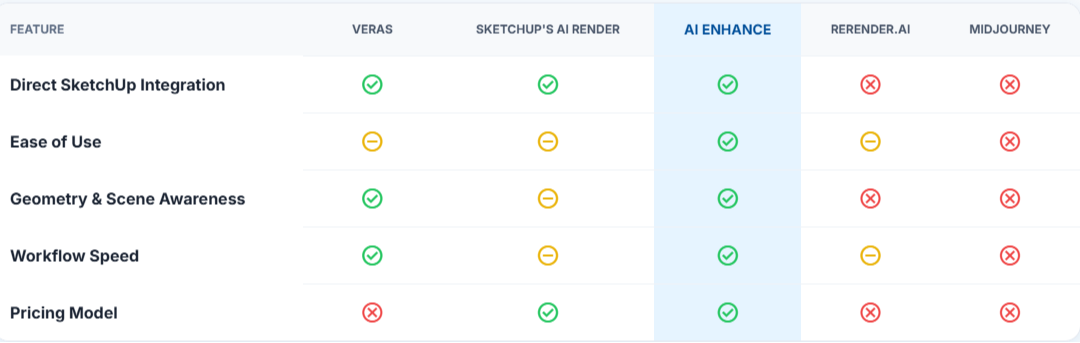
See how AI Enhance stacks up against other popular visualization tools for speed, ease of use, and quality of results.